Time Office: What It Does and How to Run It Without Paper
What the time office does every day, week and month, the registers it must keep under the labour codes, and how software replaces the paper register.
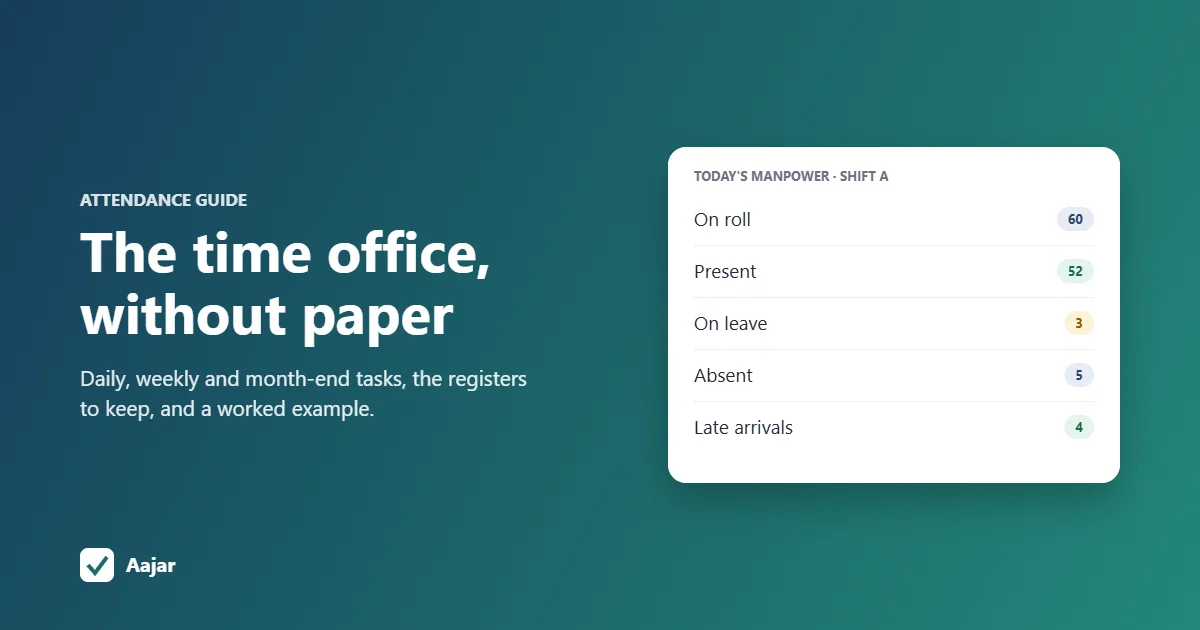
Short answer: the time office is the team, usually inside HR or administration, that records when employees come in and leave, and turns those records into payable days and overtime for payroll. In a factory or large office it keeps the attendance register-cum-muster roll, tracks shifts, leave and overtime, sends a daily headcount report, and closes attendance at month end. Under the labour codes these registers can be kept electronically and must be preserved for five years, which is why many companies now run the time office on software instead of paper.
This guide covers what a time office does each day, week and month, the records it must keep, a worked month-end example, and how to move the work from registers to time office software.
What is a time office in HR?
A time office is the function that manages employee time: attendance, shifts, leave, overtime and late arrivals. The name comes from factories, where a small office near the gate issued punch cards, checked them each shift and kept the muster roll.
Today the role is the same, but the tools have changed. Punch cards gave way to biometric machines and mobile check-ins, and the paper register to software. In a small company one HR executive may do the job; in a plant with several shifts there is often a time office in charge with a few time keepers.
Time office vs HR vs payroll
| Team | Main job | Hands over to |
|---|---|---|
| Time office | Records attendance, shifts, leave and overtime; prepares payable days | Payroll, at month-end cut-off |
| Payroll | Calculates salary, deductions and payslips from payable days | Accounts, for salary transfer and statutory payments |
| HR | Hiring, policies, employee relations, performance | Time office, with joiner and leaver details and policy rules |
What is the work of the time office?
The work follows a daily, weekly and monthly rhythm. This checklist is a good starting point for a factory or an office with 30 to 300 people.
Daily tasks
- Check the day's punches by shift and flag missing punch-ins or punch-outs.
- Send a manpower report to production or operations heads within the first hour: on roll, present, on leave, absent and late, by department.
- Record leave and on-duty for people who are travelling, at a client site or on approved leave.
- Note overtime worked the previous day, with the supervisor's approval and the worker's consent.
- Track contract workers separately, so their attendance can be matched to the contractor's bill.
Weekly tasks
- Publish the next week's shift roster and handle swaps.
- Follow up on missed punches and get them corrected or approved (regularised).
- Review repeated late comers and absentees, and share the list with managers.
- Check weekly offs and compensatory offs, so no one works too many days in a row.
Month-end tasks
- Fix a cut-off date (for example, the 25th or the last day of the month).
- Close all pending leave, on-duty and correction requests.
- Calculate payable days, loss of pay days and approved overtime hours for each employee.
- Get department heads to sign off.
- Send the final attendance to payroll and lock the month so it can't be changed afterwards.
Registers the time office keeps under the labour codes
The four labour codes have been in force since 21 November 2025 (India Code: OSH Code, 2020). The Ministry of Labour's compliance handbook lists the registers employers must keep, including an attendance register-cum-muster roll, a wage register, an overtime register and a register of fines and deductions (Ministry of Labour and Employment, Compliance Handbook for Employers, p. 9).
| Rule | What it means for the time office |
|---|---|
| Registers can be physical or electronic | Software records are acceptable, as long as they are complete and can be shown to an inspector when asked. |
| Keep records for 5 years | Old months must stay retrievable, not be overwritten or deleted. |
| Normal hours: 8 a day, 48 a week | Hours beyond this are overtime (PIB factsheet on the OSH Code). |
| Overtime needs the worker's consent and is paid at twice the normal rate | Record the approval and the hours for every overtime entry. |
| Women may work night shifts (before 6 a.m. and after 7 p.m.) with consent and safeguards | Keep the consent on file and check transport and safety arrangements. |
Sources checked on 15 October 2026. Rules on spread-over, rest intervals and the overtime cap are set in the central or state rules that apply to your establishment, and shops and establishments rules differ by state. Check your state's labour department site before you fix your policy.
A worked example: month-end attendance for one worker
Take a 60-worker factory with a six-day week (Sunday off) that closes attendance on the last day of the month. October 2026 has 31 days, 4 Sundays (4, 11, 18 and 25 October) and, in this example, 2 paid holidays.
| Item | Days | Working |
|---|---|---|
| Calendar days | 31 | |
| Working days | 25 | 31 − 4 Sundays − 2 holidays |
| Present | 22 | From punches |
| Casual leave (approved) | 1 | Paid |
| Absent without approval | 2 | Loss of pay |
| Payable days | 29 | 22 present + 1 leave + 4 Sundays + 2 holidays |
If the worker's monthly gross is ₹18,600 and the company uses calendar days as the base, the loss of pay is ₹18,600 ÷ 31 × 2 = ₹1,200, so the month's gross pay is ₹17,400 before deductions. Some companies divide by 26 or by working days instead; pick one method, write it in your policy and use it every month. The time office's job is to hand payroll the right numbers: 29 payable days and 2 loss of pay days, plus any approved overtime hours.
Running the time office on paper vs on software
| Paper register or Excel | Time office software | |
|---|---|---|
| How attendance is captured | Signatures, punch cards or typed entries | Biometric machine, phone or web check-in, with a time stamp |
| Daily headcount | Counted by hand | Live "who is in today" view |
| Leave and overtime approvals | Forms, chats and phone calls | Requested and approved in the app, with a record |
| Month-end totals | Formulas you maintain | Calculated automatically |
| Five-year records | Files and folders to store | Kept in the system and exportable |
Excel works for a small team; our guide to the attendance sheet in Excel has a free layout and formulas. Once you have several shifts, field staff or more than 10 to 15 people, the hours spent reconciling the sheet usually make software worth it.
What to look for in time office software
- Capture that fits your workplace: biometric sync for a factory gate, mobile check-in for offices, and geofencing for staff at sites. If you already own a machine, see how to connect an eSSL biometric device to a cloud app.
- Shift support: general, rotational and night shifts, with weekly offs.
- Rules you can set: late grace time, half-day and full-day thresholds, and how missed punches are corrected.
- Leave, on-duty and overtime requests with approvals, so the month-end close has nothing pending. A leave management system should be part of the same tool, not a separate one.
- Field staff: location recorded at check-in, as explained in our guide to GPS and geofence attendance.
- Reports and exports: a monthly attendance table, late and absence reports, and an export for payroll or inspection.
- Payroll link: payable days and loss of pay should flow into salary without retyping.
- Price per user that still makes sense at your headcount, and a free trial long enough to run a full month-end.
Running your time office on Aajar
Aajar records check-ins from a phone or computer and builds the monthly attendance table automatically, with present, half day, leave, holiday, weekly off and absent days. Late grace and half-day rules, leave and permission requests, and payroll with payslips are included on every plan, from ₹20 per user per month on Starter.
Shifts, geofenced check-in, on-duty and overtime requests, and Excel exports are on Growth (₹35 per user per month). Biometric device sync with eSSL and similar machines is on Business (₹50 per user per month). Aajar doesn't file returns on the labour or EPFO portals for you, so that step stays with your HR or compliance team. Every plan is free for the first 3 months for organisations with up to 50 users; see Aajar pricing.
Frequently asked questions
What is time office in HR?
It is the HR or admin function that records employee attendance, shifts, leave and overtime, and works out payable days for payroll each month.
What does a time office executive do?
A time office executive checks daily punches, sends the manpower report, records leave, on-duty and overtime, follows up on missed punches, and closes attendance for payroll at month end.
What is time office software?
It is software that collects attendance from biometric machines or phone check-ins, applies your shift, late and leave rules, and produces monthly attendance and reports for payroll.
Can the attendance register be kept digitally?
Yes. The Ministry of Labour's compliance handbook says registers can be kept in physical or electronic form, and must be preserved for five years.
How many hours can an employee work in a day?
Under the OSH Code, normal working hours are up to 8 a day and 48 a week. Work beyond that is overtime, needs the worker's consent and is paid at twice the normal rate.
This article is general information, not legal advice.
Keep reading
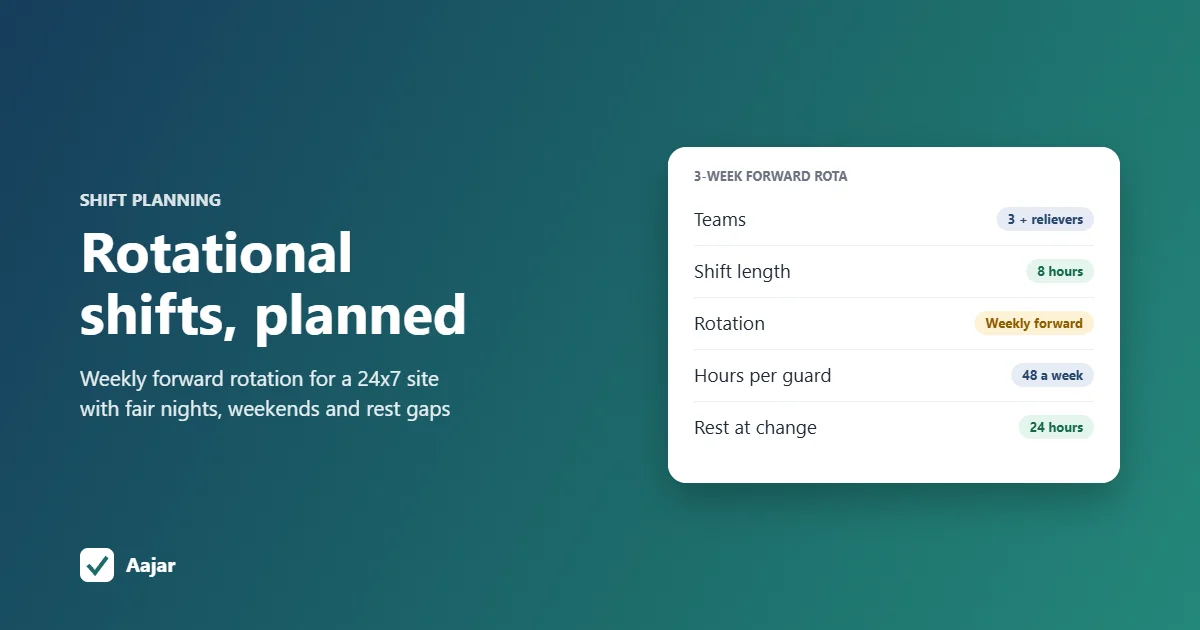
Rotational Shift: Patterns, Fair Planning and a 24x7 Example
Rotation patterns compared, a fair-planning checklist and a 3-week roster for a 24x7 site that stays within 48 hours a week.
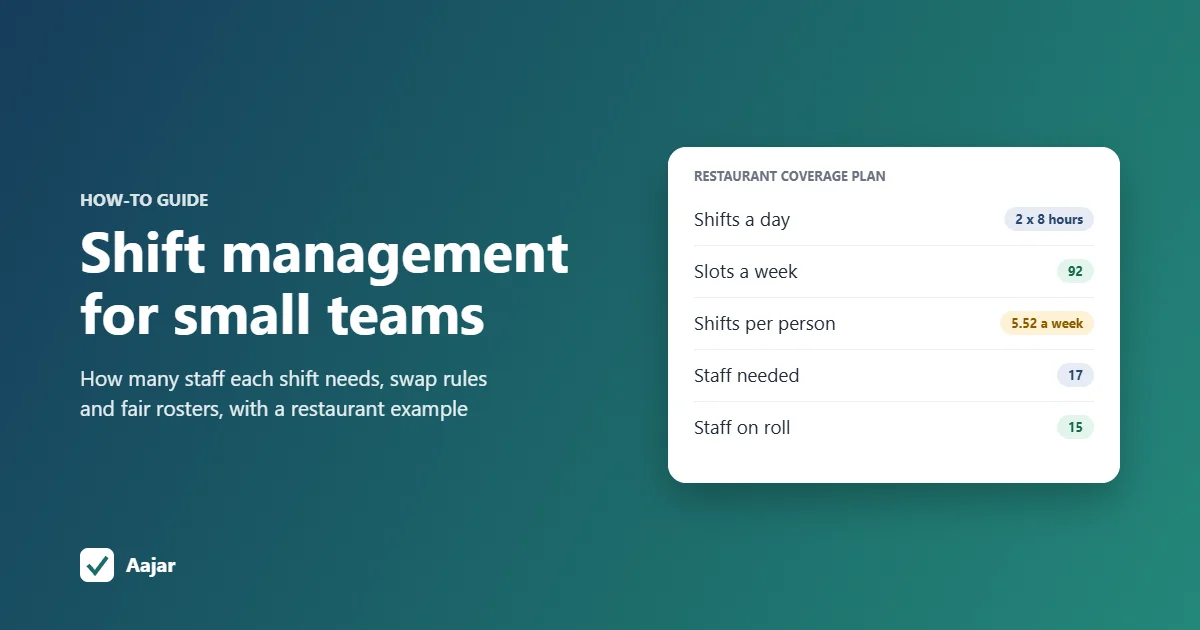
Shift Management for Small Teams: Coverage, Swaps and Fairness
How many staff each shift needs, worked through for a 15-person restaurant, plus shift swap rules and ways to keep rosters fair.
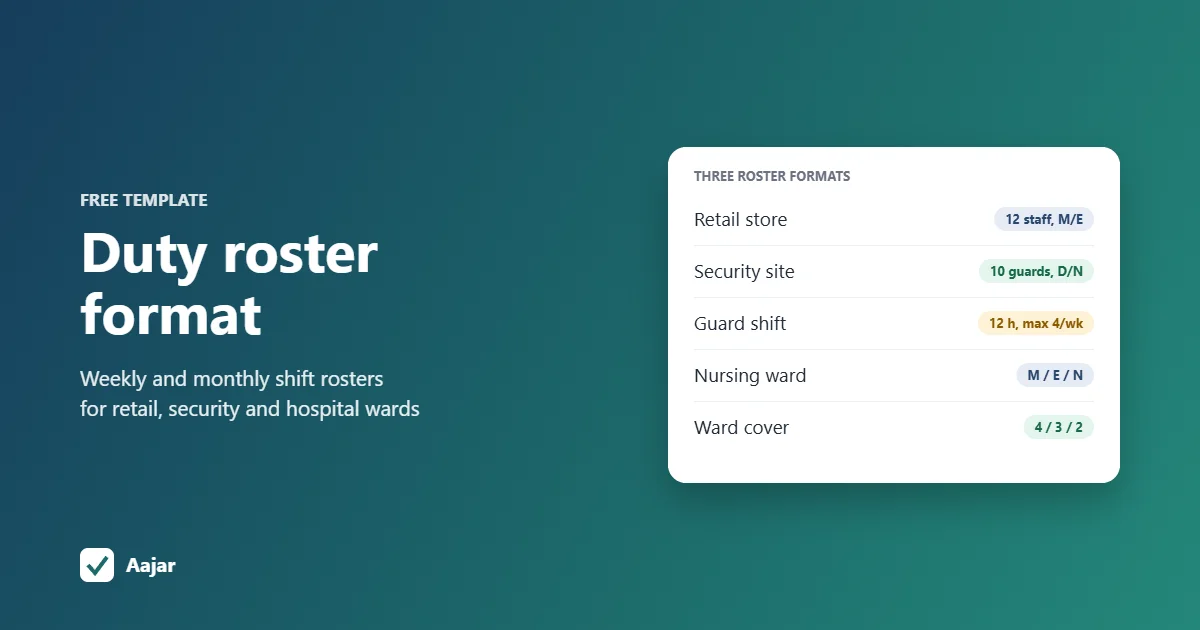
Duty Roster Format: Free Shift Roster Templates for Retail, Security and Hospitals
Three ready duty roster formats for retail, security and hospital wards, plus shift codes and Excel steps to build your own.