Duty Roster Format: Free Shift Roster Templates for Retail, Security and Hospitals
Three ready duty roster formats for retail, security and hospital wards, plus shift codes and Excel steps to build your own.
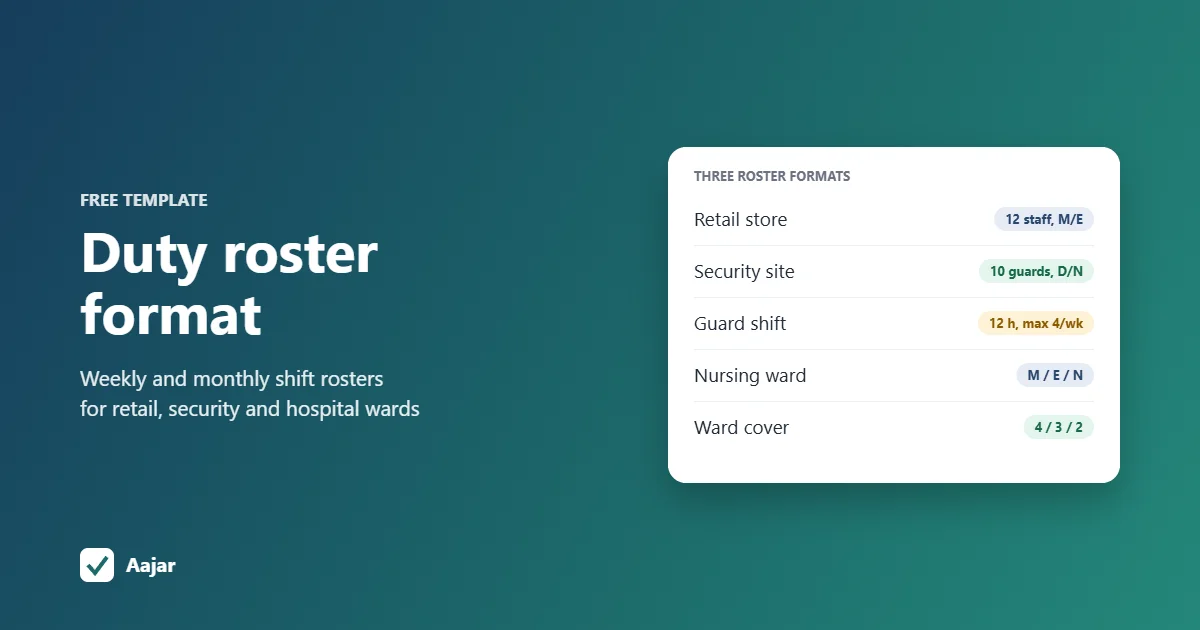
Short answer: a duty roster format is a table with staff names down the left, dates or days across the top, and a shift code in each cell, such as M for morning, E for evening, N for night and WO for weekly off. Add a legend of shift timings, a total of shifts per person and a count of staff on each shift every day. Below are three formats to copy: a weekly shift roster for a 12-person store, a monthly roster for a 10-guard site on 12-hour shifts, and a three-shift nursing ward roster.
All three are given as tables in this article, with the steps and formulas to rebuild them in Excel or Google Sheets. Names are demo labels (Staff A, Guard 1, Nurse 1); replace them with your own team.
What is a duty roster?
A duty roster is the plan that tells each person when they work, which shift they are on and when they are off. It is also called a shift roster or shift schedule. A small shop may pin it on the notice board each week, while a security agency or hospital usually prepares it for the whole month.
The roster is the plan; the attendance record shows what actually happened. At month end you compare the two to find no-shows, swaps and extra shifts.
What should a duty roster format include?
| Part of the roster | What to put in it |
|---|---|
| Header | Business or site name, department or post, roster period (for example, week of 2 to 8 November 2026), prepared by and approved by |
| Staff column | Name or Employee ID, and role or post, so you can see that each shift has the right mix of people |
| Date columns | One column per day, with the weekday under the date so weekends and holidays stand out |
| Shift code in each cell | One short code per person per day, from a fixed list |
| Shift codes legend | What each code means and its start and end time |
| Total per person | Shifts and hours in the week or month, to check the load is fair |
| Count per shift | A row at the bottom showing how many people are on each shift each day, so gaps show up before the day |
| Notes | Approved leave, holidays, swaps agreed and the date the roster was last changed |
Shift codes legend
Use one set of codes across all your rosters and keep each code to one or two letters, so a full month fits on one screen. These are the codes used in the three templates below.
| Code | Meaning | Timing used in this article |
|---|---|---|
| M | Morning shift | Store: 09:30 to 18:00. Ward: 07:00 to 15:00 |
| E | Evening shift | Store: 13:30 to 22:00. Ward: 15:00 to 23:00 |
| N | Night shift | Ward: 23:00 to 07:00. Security: 20:00 to 08:00 |
| D | Day shift (12 hours) | Security: 08:00 to 20:00 |
| G | General shift | 09:00 to 17:00 |
| WO | Weekly off | Fixed day off in the week |
| O | Off (rest day in a 12-hour rotation) | Not working |
| L | Approved leave | As per your leave policy |
| PH | Paid holiday | As per your holiday list |
| CO | Comp off | Day off given for working on an off day |
If someone works on their weekly off, mark the replacement day as CO so it is not lost. Our guide to comp off rules and how to track them covers how to grant and record it.
Weekly shift roster for a 12-person retail store
Take a store open from 10:00 to 22:00, with a store manager, an assistant manager, two cashiers and eight sales associates. It runs two shifts that overlap from 13:30 to 18:00, when footfall picks up. Each shift is 8.5 hours including a 30-minute break, and each person works six days with one weekly off.
| Staff | Role | Mon | Tue | Wed | Thu | Fri | Sat | Sun | Shifts |
|---|---|---|---|---|---|---|---|---|---|
| Staff A | Store manager | M | WO | M | M | M | M | M | 6 |
| Staff B | Assistant manager | E | E | E | WO | E | E | E | 6 |
| Staff C | Senior cashier | WO | M | M | E | E | E | E | 6 |
| Staff D | Cashier | M | M | WO | M | M | M | M | 6 |
| Staff E | Sales associate | WO | M | M | M | M | E | E | 6 |
| Staff F | Sales associate | E | WO | M | M | M | M | M | 6 |
| Staff G | Sales associate | M | E | WO | E | E | E | E | 6 |
| Staff H | Sales associate | E | E | E | WO | M | M | M | 6 |
| Staff I | Sales associate | WO | M | M | M | E | E | E | 6 |
| Staff J | Sales associate | M | WO | E | E | E | E | E | 6 |
| Staff K | Sales associate | M | M | M | WO | E | E | E | 6 |
| Staff L | Sales associate | E | E | E | E | WO | M | M | 6 |
| On duty | M / E | 5 / 4 | 5 / 4 | 6 / 4 | 5 / 4 | 5 / 6 | 5 / 7 | 5 / 7 |
How this roster is built:
- Weekly offs fall on weekdays (three on Monday, Tuesday and Thursday, two on Wednesday, one on Friday), so all 12 people are in on Saturday and Sunday.
- A key-holder is on every shift. Staff A, B and C can open, close and handle cash, and at least one of them is on each morning and each evening.
- No evening-to-morning turnarounds. Nobody finishes at 22:00 and starts again at 09:30 the next day; people only move from morning to evening within the week.
- Swap shifts next week. Sales associates who were mostly on evenings move to mornings, so late closing is shared.
Monthly duty roster for a 10-guard security site (12-hour shifts)
Take a warehouse with three posts by day (main gate, back gate and patrol) and two by night (main gate and back gate). That is 3 day shifts and 2 night shifts every day, covered by 10 guards on a 2-on, 2-off pattern: two 12-hour shifts, then two days off. Guards 1 to 6 are on days and Guards 7 to 10 on nights for November 2026.
| Guard | 1 | 2 | 3 | 4 | 5 | 6 | 7 | 8 | 9 | 10 | 11 | 12 | 13 | 14 | 15 | 16 | 17 | 18 | 19 | 20 | 21 | 22 | 23 | 24 | 25 | 26 | 27 | 28 | 29 | 30 | Shifts | Hours |
|---|---|---|---|---|---|---|---|---|---|---|---|---|---|---|---|---|---|---|---|---|---|---|---|---|---|---|---|---|---|---|---|---|
| Su | Mo | Tu | We | Th | Fr | Sa | Su | Mo | Tu | We | Th | Fr | Sa | Su | Mo | Tu | We | Th | Fr | Sa | Su | Mo | Tu | We | Th | Fr | Sa | Su | Mo | |||
| Guard 1 | D | D | O | O | D | D | O | O | D | D | O | O | D | D | O | O | D | D | O | O | D | D | O | O | D | D | O | O | D | D | 16 | 192 |
| Guard 2 | D | D | O | O | D | D | O | O | D | D | O | O | D | D | O | O | D | D | O | O | D | D | O | O | D | D | O | O | D | D | 16 | 192 |
| Guard 3 | O | D | D | O | O | D | D | O | O | D | D | O | O | D | D | O | O | D | D | O | O | D | D | O | O | D | D | O | O | D | 15 | 180 |
| Guard 4 | O | O | D | D | O | O | D | D | O | O | D | D | O | O | D | D | O | O | D | D | O | O | D | D | O | O | D | D | O | O | 14 | 168 |
| Guard 5 | O | O | D | D | O | O | D | D | O | O | D | D | O | O | D | D | O | O | D | D | O | O | D | D | O | O | D | D | O | O | 14 | 168 |
| Guard 6 | D | O | O | D | D | O | O | D | D | O | O | D | D | O | O | D | D | O | O | D | D | O | O | D | D | O | O | D | D | O | 15 | 180 |
| Guard 7 | N | N | O | O | N | N | O | O | N | N | O | O | N | N | O | O | N | N | O | O | N | N | O | O | N | N | O | O | N | N | 16 | 192 |
| Guard 8 | O | N | N | O | O | N | N | O | O | N | N | O | O | N | N | O | O | N | N | O | O | N | N | O | O | N | N | O | O | N | 15 | 180 |
| Guard 9 | O | O | N | N | O | O | N | N | O | O | N | N | O | O | N | N | O | O | N | N | O | O | N | N | O | O | N | N | O | O | 14 | 168 |
| Guard 10 | N | O | O | N | N | O | O | N | N | O | O | N | N | O | O | N | N | O | O | N | N | O | O | N | N | O | O | N | N | O | 15 | 180 |
| D / N | 3/2 | 3/2 | 3/2 | 3/2 | 3/2 | 3/2 | 3/2 | 3/2 | 3/2 | 3/2 | 3/2 | 3/2 | 3/2 | 3/2 | 3/2 | 3/2 | 3/2 | 3/2 | 3/2 | 3/2 | 3/2 | 3/2 | 3/2 | 3/2 | 3/2 | 3/2 | 3/2 | 3/2 | 3/2 | 3/2 |
Under the OSH Code, normal working hours are up to 48 a week, and 12-hour days are possible within that on a four-day week. Hours beyond that are overtime, which needs the worker's consent and is paid at twice the normal wage (PIB factsheet on the OSH Code). The 2-on, 2-off pattern never gives a guard more than four 12-hour shifts (48 hours) in any seven days; if you add a fifth, pay it as overtime as shown in our guide on how to calculate overtime pay.
- Check the bottom row. Every day shows 3/2, meaning 3 guards on day duty and 2 on night duty.
- Monthly hours differ slightly (168 to 192) because 30 days don't divide evenly into 4-day cycles. Rotate the starting point each month so the same guards don't always get 16 shifts.
- Change day and night groups at month end, with at least one full off day in between, so no guard finishes a night at 08:00 and starts a day shift the same morning.
- Keep a reliever list for leave. In this roster there is no spare guard, so one guard's leave means another works an extra shift.
Hospital ward duty roster: morning, evening and night
Take a 30-bed medical ward that needs 4 nurses in the morning, 3 in the evening and 2 at night, plus a nurse in-charge on general shift from Monday to Saturday. The ward has 11 staff nurses on 8-hour shifts, each with one weekly off, and Nurse 5 is on approved leave from Friday.
| Staff | Mon | Tue | Wed | Thu | Fri | Sat | Sun |
|---|---|---|---|---|---|---|---|
| Nurse in-charge | G | G | G | G | G | G | WO |
| Nurse 1 | WO | M | M | M | M | M | M |
| Nurse 2 | M | M | M | M | WO | E | E |
| Nurse 3 | M | WO | M | M | M | M | M |
| Nurse 4 | E | WO | E | E | E | E | E |
| Nurse 5 | WO | M | M | M | L | L | L |
| Nurse 6 | M | E | E | E | E | WO | E |
| Nurse 7 | E | E | E | E | E | E | WO |
| Nurse 8 | N | N | N | WO | M | M | M |
| Nurse 9 | N | N | N | WO | M | M | M |
| Nurse 10 | M | M | WO | N | N | N | N |
| Nurse 11 | E | E | WO | N | N | N | N |
| M / E / N | 4/3/2 | 4/3/2 | 4/3/2 | 4/3/2 | 4/3/2 | 4/3/2 | 4/3/2 |
- Nights come in blocks. Nurses 8 and 9 do three nights, then a weekly off, then mornings. Nurses 10 and 11 take the weekly off first and then do four nights.
- No night-to-day turnarounds. No nurse goes from a night shift straight into a morning or evening shift the next day, and no one goes from an evening to the next morning.
- Leave is planned in. Nurse 5's leave was approved before the roster was made, so the other nurses' weekly offs were set around it and every shift still has 4/3/2.
- Rotate nights across the team. Next week a different set of four nurses takes the night blocks.
Plan a short handover at each shift change. If your ward runs 6-hour day shifts and a 12-hour night instead, keep the same layout and change the legend timings.
Weekly or monthly roster: which format suits you?
| Business | Usual roster period | Why |
|---|---|---|
| Retail store, restaurant | Weekly | Footfall and staff availability change week to week; offs are often agreed a week ahead |
| Security site, facility services | Monthly | Fixed posts and a repeating cycle; deployment is usually planned for the whole month |
| Hospital ward | Weekly or fortnightly | Three shifts, night blocks and leave need careful balancing, but cover must be planned well ahead |
| Factory with rotating shifts | Weekly or monthly | Depends on how often shift groups rotate |
How to create a duty roster in Excel or Google Sheets
These steps build the 10-guard monthly roster above. The same layout works as a reusable shift schedule template for any team; only the codes and the number of rows change.
- Set up the dates. Put names in column A from row 5 (Guard 1 to Guard 10 in A5:A14). In C3 enter =DATE(2026,11,1), in D3 enter =C3+1 and copy it across to AF3 for 30 days. Format row 3 to show only the day number.
- Add weekdays. In C4 enter =TEXT(C3,"ddd") and copy it across, so Sundays and holidays are easy to spot.
- Make a dropdown of shift codes. Select C5:AF14 and add a list of D, N, O, L, PH, CO. In Excel this is Data > Data Validation > List; in Google Sheets it is Data > Data validation > Dropdown. This stops spelling mistakes that break the counts.
- Fill in the pattern. Type the first cycle for each guard (for example D, D, O, O) and copy it across the month, then adjust for leave.
- Count shifts per person. In AG5 enter =COUNTIF(C5:AF5,"D")+COUNTIF(C5:AF5,"N") and copy it down. In AH5 enter =AG5*12 for hours.
- Count staff per shift each day. In C15 enter =COUNTIF(C$5:C$14,"D") and in C16 enter =COUNTIF(C$5:C$14,"N"), then copy both across. Any day that isn't 3 and 2 needs fixing.
- Check weekly load. For the week of 2 to 8 November (columns D to J), use =COUNTIF(D5:J5,"D")+COUNTIF(D5:J5,"N") and add conditional formatting to colour it red if it is more than 4.
- Colour the codes. Add conditional formatting rules so D, N and O each have their own fill colour, then freeze the first column and the date rows.
- Share it read-only. Print it landscape, fit to one page wide, or share a view-only link, and save a copy each month before you make changes.
The roster tells people when to come. To record whether they actually came, use a separate sheet; our attendance sheet in Excel template and formulas works alongside this roster.
Common duty roster mistakes
- Quick returns: a night shift followed by a morning shift, or a 22:00 close followed by a 09:30 open. Tired staff are more likely to make mistakes.
- Same people always on nights or Sundays: rotate them, or the roster quickly feels unfair.
- No count row: without a count per shift, a day with only one guard on nights goes unnoticed until it happens.
- Ignoring approved leave: build the roster after checking leave and the holiday list, not before.
- Free-text cells: "Morn", "M " and "mor" all mean the same thing to a person but not to COUNTIF. Use a dropdown.
- Undated changes: when a swap is agreed, update the sheet and note the date, or attendance and roster won't match at month end.
- Publishing late: staff need time to plan; share the next roster before the current one ends.
Managing shifts and attendance on Aajar
Shifts are part of Aajar's Growth plan (₹35 per user per month), along with geofenced check-in, overtime and comp-off requests with approvals, and Excel exports and bulk uploads. Weekly offs, late grace and half-day rules, leave requests and the live "who is in today" view are on every plan, from Starter at ₹20 per user per month.
Plan the roster itself in a sheet like the ones above, then set up the shifts in Aajar and update them when people swap. Every plan is free for the first 3 months for organisations with up to 50 users; see Aajar pricing.
Frequently asked questions
What is a duty roster?
It is a schedule showing which shift each employee works on each day and when they are off. It is also called a shift roster or shift schedule.
How to create a duty roster?
Count how many people each shift needs, list your staff, mark approved leave and weekly offs first, then fill shifts so every day has the right count. Check totals per person, avoid night-to-morning turnarounds, and share it before the period starts.
What is a duty roster file?
It is the roster saved as a document, usually an Excel or Google Sheets file or a PDF, that is shared with staff or a client. A monthly security deployment sheet sent to a client is a common example.
How to do duty roster in Excel?
Put names in rows and dates in columns, add a dropdown of shift codes with Data Validation, and use COUNTIF to total shifts per person and staff per shift each day. The step-by-step section above has the exact formulas.
What is the difference between a duty roster and an attendance sheet?
The duty roster is the plan made in advance; the attendance sheet records who actually came and when. Comparing the two at month end shows absences, swaps and extra shifts to pay for.
This article is general information, not legal advice.
Keep reading
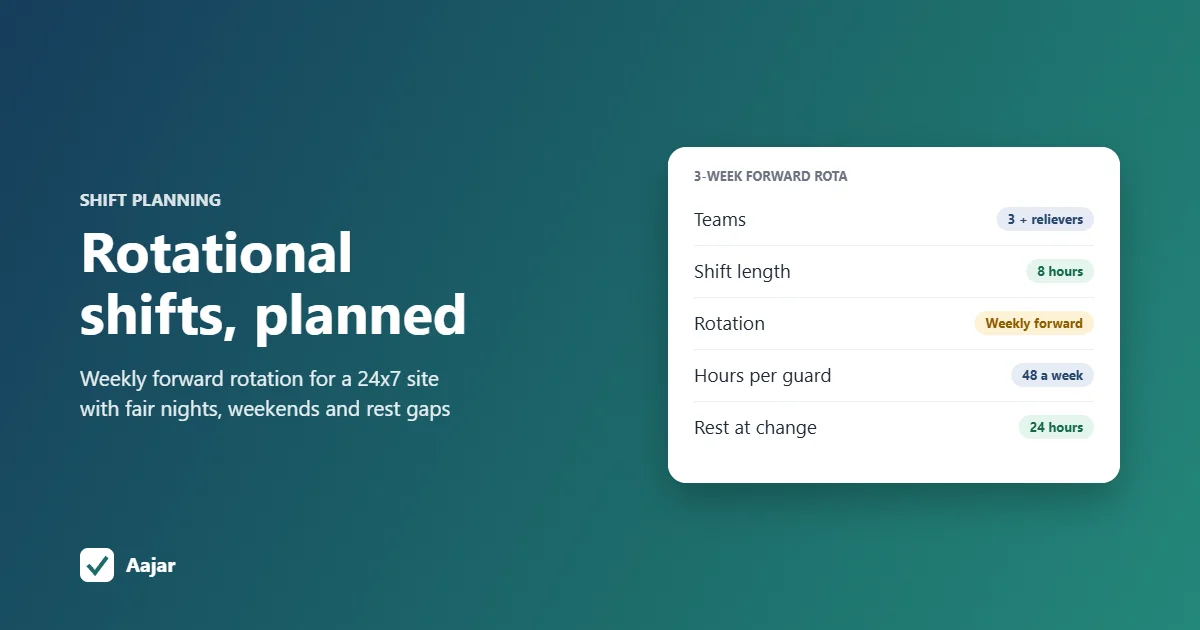
Rotational Shift: Patterns, Fair Planning and a 24x7 Example
Rotation patterns compared, a fair-planning checklist and a 3-week roster for a 24x7 site that stays within 48 hours a week.
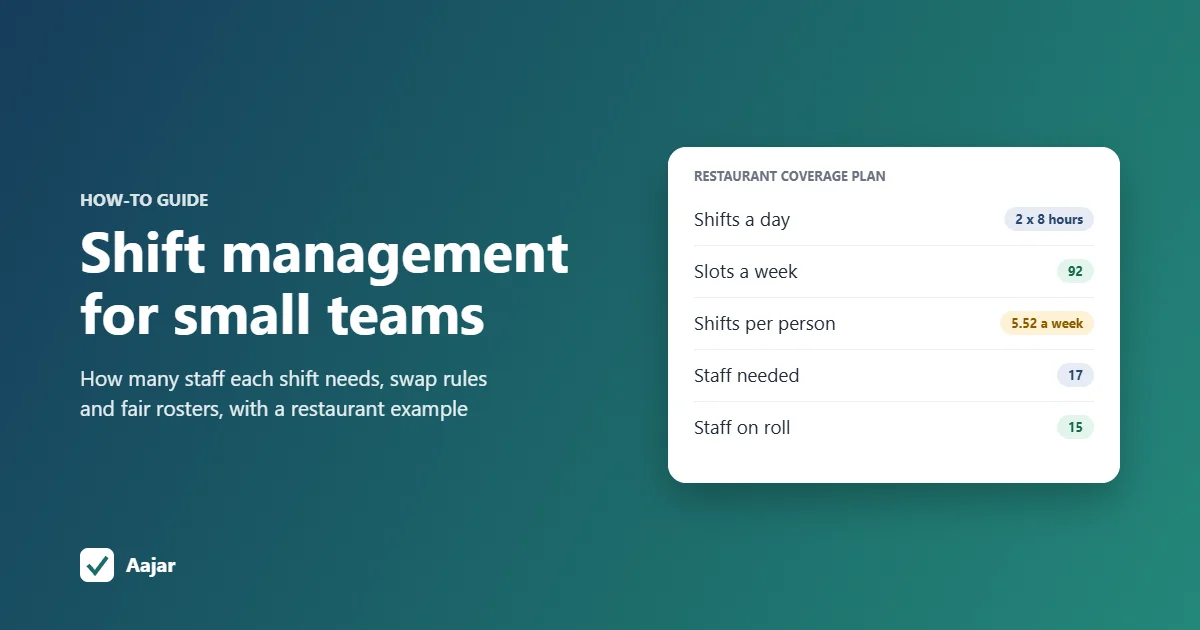
Shift Management for Small Teams: Coverage, Swaps and Fairness
How many staff each shift needs, worked through for a 15-person restaurant, plus shift swap rules and ways to keep rosters fair.
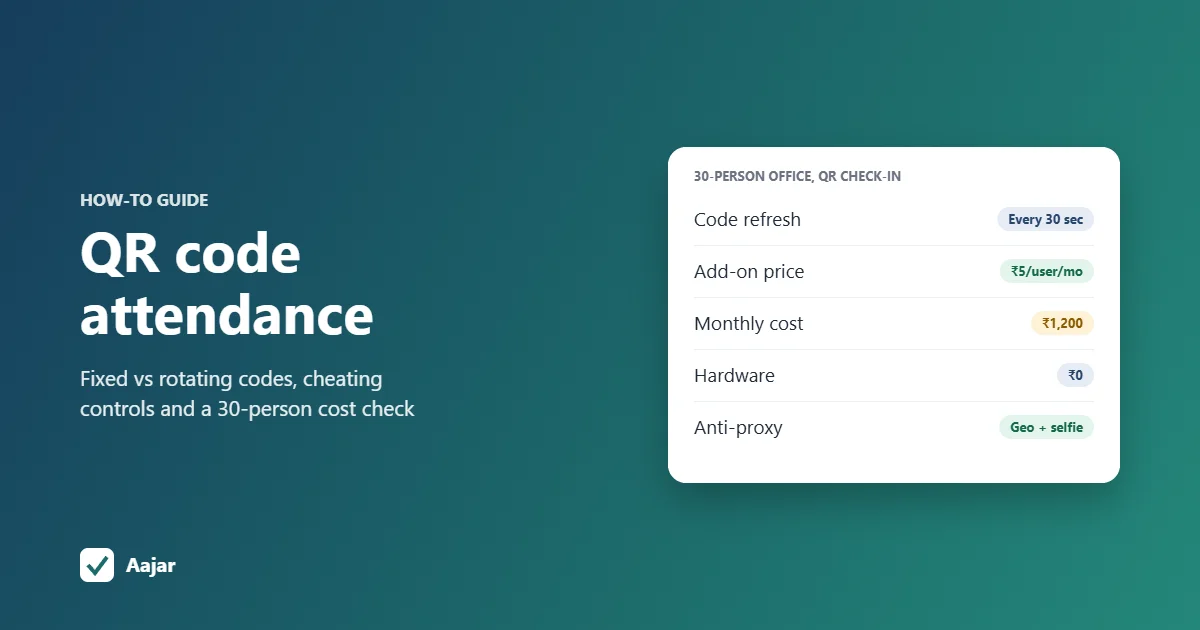
QR Code Attendance for Offices and Sites: Setup and Pitfalls
How QR check-in works for offices and sites, how people cheat it, when it beats a biometric machine, and how to set it up at your entrance.