Leave Management System: What It Does and Free Options
What a leave management system does, the Indian leave rules it should handle, and free leave management options compared for small businesses.
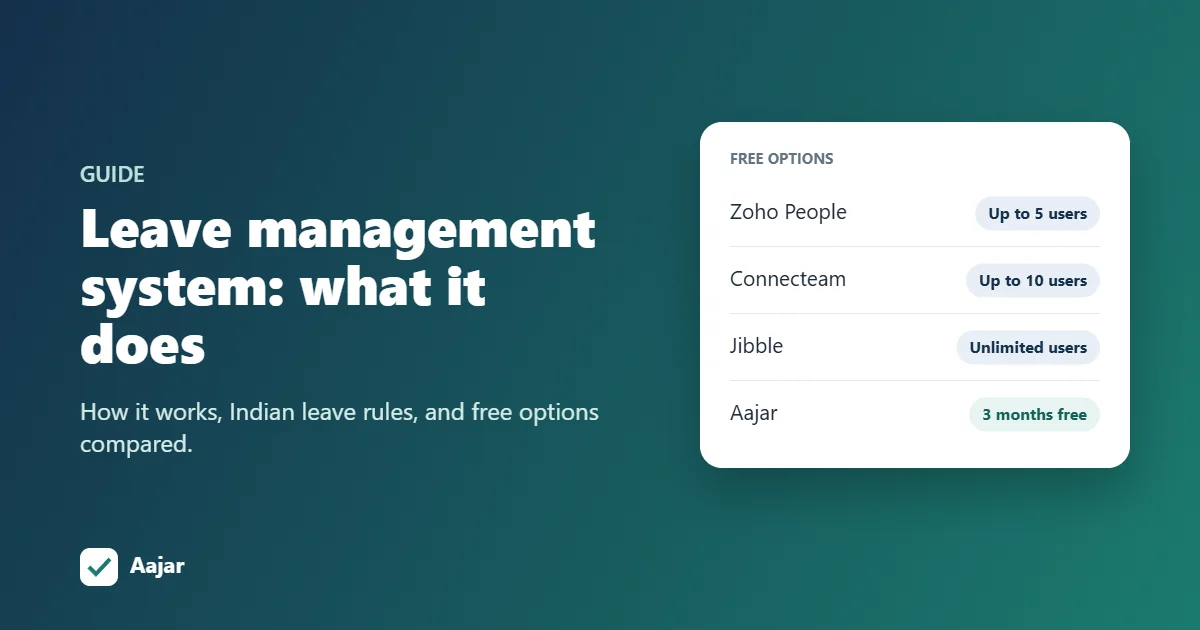
Short answer: a leave management system is software that holds your leave policy, credits leave to each employee automatically, lets people apply from their phone, routes requests to a manager for approval, and keeps every balance up to date. The better ones also handle holidays, half days, comp-off and loss of pay, and pass approved leave straight to payroll. Free options exist: Zoho People is free for up to 5 users, Jibble and Connecteam have free plans, and Aajar is free for 3 months for teams of up to 50.
This guide explains what a leave management system does, the Indian leave rules it should handle, and how the free options compare. It is written for small and mid-sized businesses moving off email and Excel.
What a leave management system does
- Stores your leave policy: leave types (casual, sick, earned, comp-off), how many days each person gets, the leave year, and carry-forward limits.
- Credits leave automatically, for example 1.5 days of earned leave a month, so nobody updates balances by hand.
- Takes applications online. Employees pick dates and a leave type from a phone or computer, including half days.
- Routes approvals to the right manager or HR, with a record of who approved what and when.
- Shows live balances to employees and managers, so there are no "how many leaves do I have?" messages.
- Applies your rules: holidays and weekly offs, the sandwich rule, blocking leave beyond the balance or marking it as loss of pay.
- Feeds payroll with paid and unpaid days, so loss-of-pay deductions are right every month.
How it works, step by step
- HR sets the policy once: leave types, monthly credit, leave-year start, carry-forward caps and different rules for staff on probation, if needed.
- The system credits leave every month and carries unused leave into the next year up to the cap.
- An employee applies for leave, sees their balance before submitting, and adds a reason.
- A manager approves or rejects it from their phone. The employee is notified.
- Attendance and payroll update on their own. Approved leave isn't marked absent, and unpaid days reduce salary for that month.
Indian leave rules your system should handle
Leave in India is shaped by central and state law, so check that any tool you choose can be set up to match.
- Annual leave with wages under the OSH Code. The Occupational Safety, Health and Working Conditions Code, 2020 has been in force since 21 November 2025. A worker who has worked 180 days or more in a calendar year earns 1 day of leave for every 20 days worked, can carry forward up to 30 days, and can encash leave at the end of the year (Acuity Law FAQ). Your system needs monthly accrual and carry-forward caps to follow this.
- State rules for casual and sick leave. Shops and establishments laws differ by state, so leave types and quotas must be configurable rather than fixed.
- National and state holidays. A holiday calendar per location keeps holidays out of leave counts.
- Comp-off for work on a holiday or weekly off, credited only when approved.
- Sandwich leave, if your policy counts weekends or holidays between two leave days as leave.
- Half-day leave and short permissions, which are common in Indian offices.
- Loss of pay when someone takes leave beyond their balance.
Excel vs a leave management system
| Excel or Google Sheets | Leave management system | |
|---|---|---|
| Balances | Updated by hand; easy to overwrite | Credited and reduced automatically |
| Applying for leave | Email or WhatsApp, then HR types it in | Employee applies online and sees their balance |
| Approvals | Scattered across messages | One record of who approved what |
| Holidays and sandwich rule | Counted manually | Applied by the system |
| Payroll | LOP days copied across each month | Unpaid days flow into salary |
| Cost | Free | Free to a few thousand rupees a month |
A spreadsheet works for a handful of people. Once you have more than 10 employees or more than one approver, the time spent fixing balances usually costs more than the software.
Free leave management systems compared
| Option | What is free | Limits | Best for |
|---|---|---|---|
| Zoho People | Free plan with employee database, time-off and documents | Up to 5 users; attendance only on paid plans (from ₹96 per user per month, billed yearly) | Very small teams that only need leave |
| Jibble | Free forever, unlimited users; attendance plus leave and absence tracking | No Indian payroll | Teams that want free attendance and leave and run payroll elsewhere |
| Connecteam | Small business plan free for up to 10 employees, with all features | Above 10 users you move to paid plans priced in US dollars | Small shift-based teams |
| Aajar | Every plan free for 3 months (up to 50 users) or 1.5 months (more than 50 users) | Then ₹20 to ₹50 per user per month + GST | Indian SMEs that want leave, attendance and payroll together |
| Excel or Google Sheets template | Free | Manual balances and approvals | Teams of under 10 people |
Plans checked on each company's website in October 2026.
Leave rarely stands alone. If you also need to track check-ins, see our comparison of free attendance apps in India.
How to choose a leave management system
- Can you set your own leave types, monthly credits, leave-year start and carry-forward caps?
- Can probationers or different grades have different policies?
- Does it support half-day leave, short permissions and comp-off?
- Does it apply your holiday calendar and, if you use it, the sandwich rule?
- Does it stop leave beyond the balance or mark it as loss of pay?
- Can employees apply and managers approve from a phone?
- Does approved leave flow into attendance and payroll without re-typing?
- What will it cost at your headcount once the free plan or trial ends?
Our employee attendance app guide has a longer checklist that covers attendance as well.
How Aajar handles leave
Aajar is an attendance, leave and payroll app for teams in India. On every plan, including Starter at ₹20 per user per month:
- Leave policies with sick, casual and earned leave credited monthly, your own leave-year start, and a carry-forward cap for each leave type. Separate policies for probation are supported.
- Online applications and approvals, with full-day and half-day (first or second half) leave and balances shown before applying.
- Balance checks: leave beyond the accrued balance is blocked, and the employee is told to apply it as loss of pay instead.
- Holiday calendar, weekly offs, alternate Saturdays and the sandwich leave rule.
- Permission requests for short absences.
- Payroll from the same records, so loss-of-pay days and payslips line up.
The Growth plan (₹35) adds comp-off, on-duty and overtime requests, where comp-off is credited one day per approved request. Leave encashment is not built in; handle it in payroll as a one-off amount.
Set up leave management in four steps
- Create your organization at aajar.scorexcreen.com/signup. No card is needed for the free period.
- Enter your leave policy: leave types, monthly credits, leave-year start and carry-forward caps.
- Add holidays and weekly offs, and turn on the sandwich rule if your policy uses it.
- Invite your team. From then on, people apply from their phones and managers approve with one tap.
Frequently asked questions
What is a leave management system?
It is software that tracks employee leave: it stores the leave policy, credits leave, takes applications, routes approvals and keeps balances up to date. Most also handle holidays and pass unpaid days to payroll.
Is there a free leave management system?
Yes. Zoho People is free for up to 5 users, Jibble is free with unlimited users, and Connecteam is free for up to 10 employees. Aajar is free for 3 months for teams of up to 50, then from ₹20 per user per month with payroll included.
How is earned leave calculated in India?
Under the OSH Code, a worker who has worked at least 180 days in a calendar year earns 1 day of annual leave for every 20 days worked. Up to 30 days can be carried forward. Many offices simplify this into a fixed monthly credit, such as 1.25 or 1.5 days a month.
Can a leave management system calculate loss of pay?
Good ones can. When leave exceeds the balance, the extra days are marked as loss of pay and deducted in that month's payroll.
Do I need a separate attendance system?
Not if you choose one that does both. Keeping attendance and leave in one system means an approved leave day is never marked absent, and payroll sees one set of numbers.
Keep reading

Leave Policy for Indian SMEs: Free Template
A free leave policy template for Indian small businesses, with the legal minimums for earned, sick, casual and maternity leave to check first.
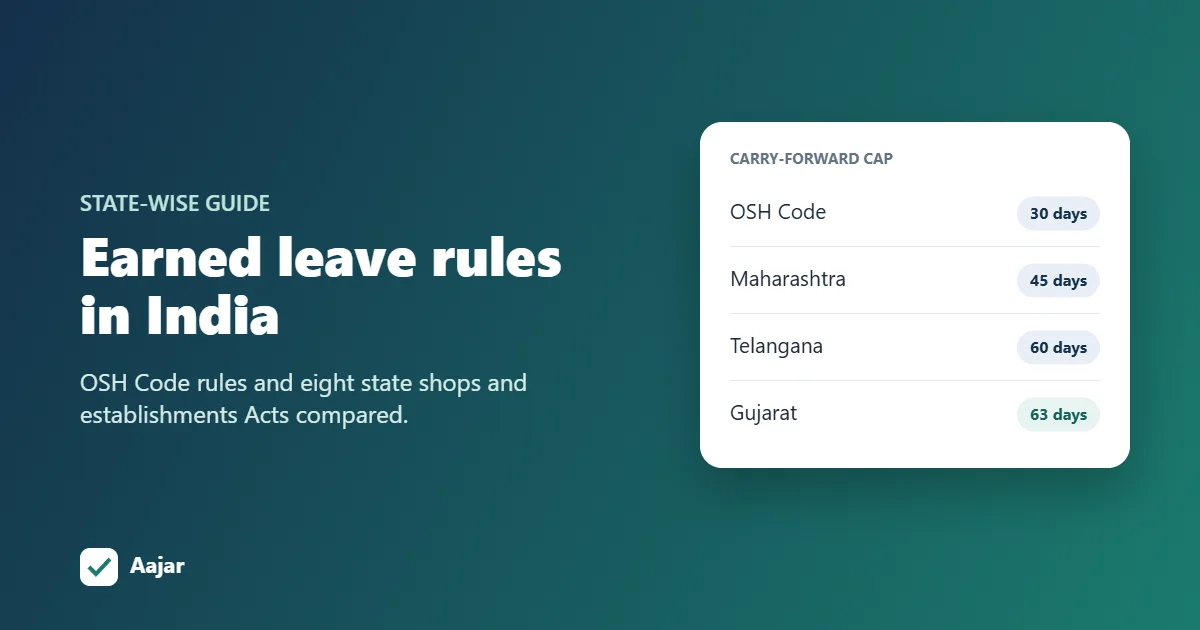
Earned Leave Rules in India: State-wise Guide (2026)
Earned leave under the OSH Code and the shops and establishments Acts of eight states, with carry-forward caps, encashment and worked examples.
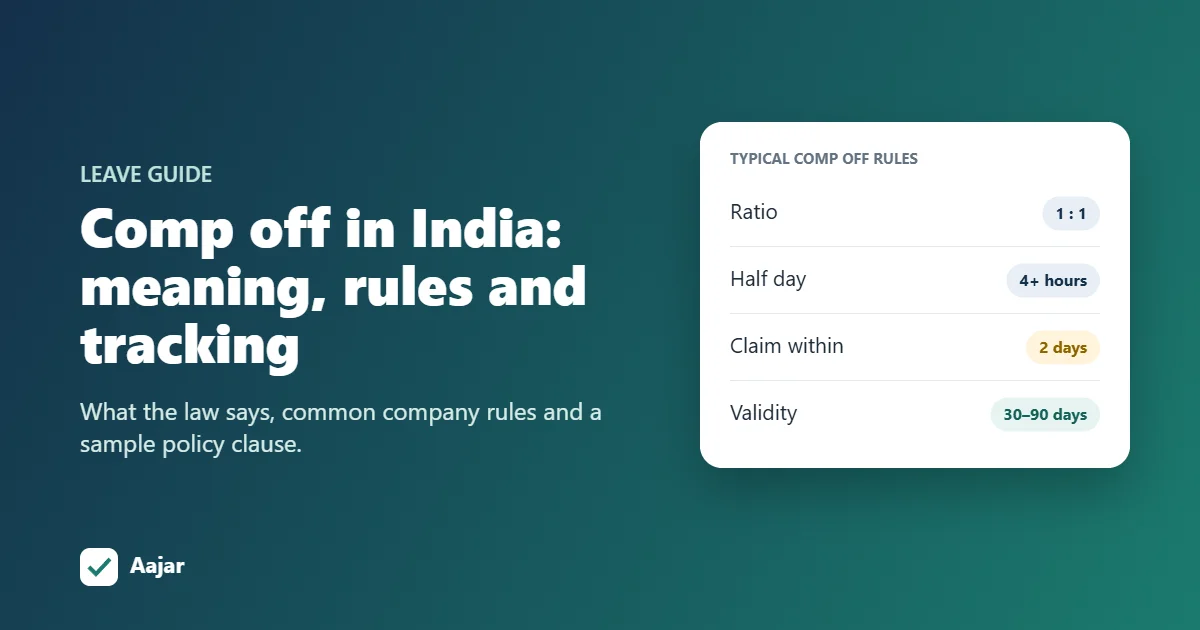
Comp Off in India: Meaning, Rules and How to Track It
What comp off means, what the OSH Code and state shops acts say, the rules most Indian companies use, and how to track comp off balances.