How a Biometric Attendance System Works, from Punch to Payroll
Follow one punch from the biometric machine to the payslip, with a worked example of raw punches and an on-premise vs cloud vs mobile comparison.
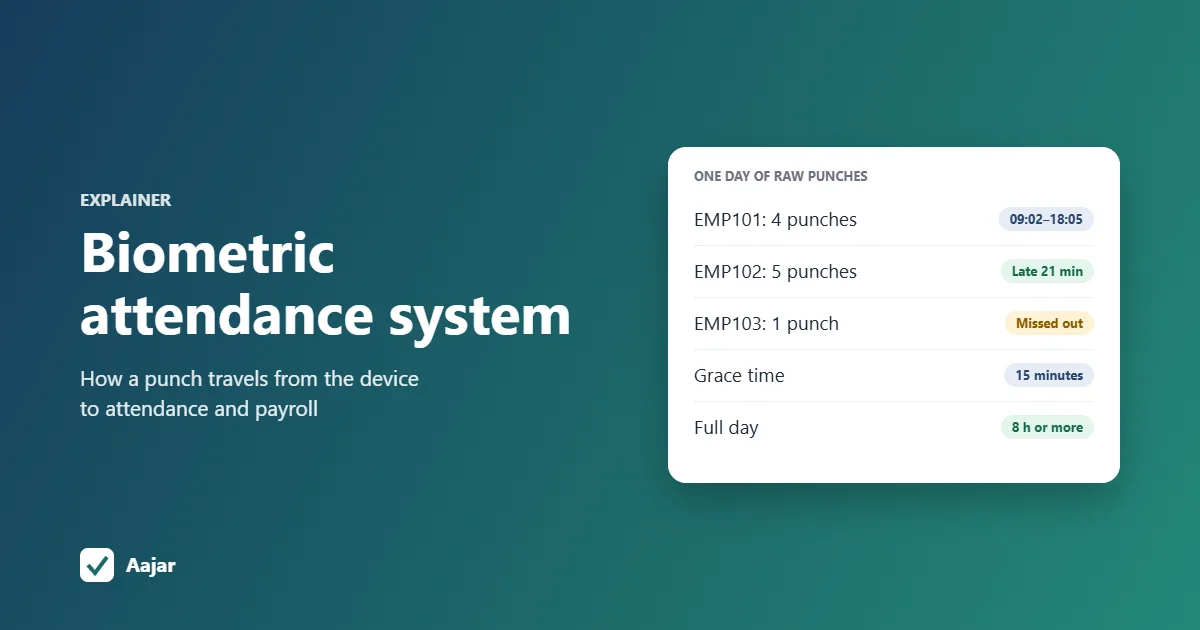
Short answer: a biometric attendance system identifies each employee by fingerprint or face and records the time they punch. The machine stores a mathematical template of the finger or face (not a photo), matches it at each punch, and writes a line to its punch log: employee ID plus date and time. Software then collects those punches, takes the first punch of the day as the check-in and the last as the check-out, applies your shift, late and half-day rules, and passes payable days to payroll.
This guide follows one punch from the machine to the payslip, with a worked example of a day's raw punches for three employees, and compares on-premise, cloud and mobile set-ups.
What is a biometric attendance system?
It is a machine plus software. The machine captures identity and time; the software turns those records into attendance, and the payroll step turns attendance into salary. Buyers often focus on the machine, but most day-to-day problems (missed punches, wrong late marks, month-end totals) are solved or caused by the software.
| Part | What it does | Example |
|---|---|---|
| Biometric device | Enrols employees, matches finger or face, stores punches with a time stamp | A fingerprint or face terminal at the shop or factory entrance |
| Biometric attendance software | Collects punches, maps them to employees, applies shift and late rules | A desktop program on an office PC, or a cloud app |
| Attendance records | One line per employee per day: in, out, hours, status | Present, late, half day, absent, leave, weekly off |
| Payroll | Uses payable days and loss-of-pay days to calculate salary | Monthly salary and payslips |
If you searched for the government's "BAS" login: that is the Aadhaar-enabled biometric attendance system used by central government offices, where each punch is checked against UIDAI records (NIC, Informatics, on the Biometric Attendance System). Private businesses don't use it; they run their own device and software, which is what this article covers.
How does a biometric attendance system work, step by step?
- Enrolment: HR adds the employee on the device with a number (the enrolment number, user ID or PIN) and scans the finger or face two or three times.
- Template: the device converts the scan into a template and stores it against that number.
- Punch: at each punch, the device scans again and compares the new reading with stored templates.
- Log entry: on a match, it saves a record of who punched and when, and shows a "thank you" or the name.
- Transfer: the software pulls the log from the device, or the device pushes it to the software.
- Processing: the software groups punches by person and day and applies your rules.
- Month end: HR fixes missed punches, approves leave, and payroll uses the final payable days.
Does the machine store my fingerprint image?
Normally it stores a template, not the picture. For fingerprints, the template records minutiae, the points where ridges end or split, as numbers. NIST describes these minutiae templates as mathematical representations of the fingerprint that are a fraction of the size of the image (NIST, Using minutiae to match fingerprints).
Face terminals work the same way with measurements of the face. A template is still personal data, so treat device backups and exported files with care.
How does matching work?
Most attendance terminals do "one-to-many" matching: you place a finger and the device searches all enrolled templates for the closest one. Some sites ask staff to type their PIN first, so the device compares against only that person's template, which is faster and reduces wrong matches on large devices.
A match is a score above a threshold, not an exact copy. Dry, cut or worn fingers (common in construction, packing and kitchen work) can fail; enrolling two fingers per person, or using a face terminal, cuts down on "please try again".
What does a raw punch log look like?
The device doesn't know about shifts or late marks. Its log is a plain list, usually with these fields:
| Field | Example | Notes |
|---|---|---|
| Enrolment number / PIN | 101 | Must be mapped to the right employee in the software |
| Date and time | 14-10-2026 09:02:17 | Taken from the device clock, so the clock must be correct |
| Verify mode | Finger, face, card or password | Useful to spot password punches, which anyone can make |
| In/out status | Check-in, check-out, break | Set by a button staff often forget to press; good software doesn't rely on it |
How does biometric attendance software turn punches into a day?
The software's main job is to reduce many punches to one attendance line per person per day. The usual method is simple: the earliest punch is the check-in, the latest is the check-out, and anything in between (lunch, a second thumb because the first one beeped late) is ignored for status. Then it compares those times with the employee's shift.
Worked example: three employees, one day
Take a 25-person retail chain's warehouse with a general shift of 09:30 to 18:30. Its demo policy: 15 minutes' grace (a first punch after 09:45 is late), a full day needs at least 8 hours between first and last punch, and 4 to 8 hours is a half day. Here are the raw punches from the device for 14 October 2026 (demo data).
| PIN | Employee (demo) | Raw punches on the device |
|---|---|---|
| 101 | Ravi | 09:02, 13:10, 13:41, 18:05 |
| 102 | Meena | 09:51, 09:51, 14:02, 14:30, 18:40 |
| 103 | Sajid | 09:28 |
The software processes them like this:
| Employee | In | Out | Hours (first to last) | Result |
|---|---|---|---|---|
| Ravi | 09:02 | 18:05 | 9 h 03 min | Present, on time. The 13:10 and 13:41 lunch punches don't create extra entries. |
| Meena | 09:51 | 18:40 | 8 h 49 min | Present, late mark (21 minutes after 09:30, past the 15-minute grace). The double 09:51 punch counts once. |
| Sajid | 09:28 | None | Not known | Missed punch-out: one punch is both first and last, so the day is flagged for HR. |
For Sajid, the supervisor confirms he left at 18:10, and HR enters the correction with a note. His day becomes 09:28 to 18:10 (8 h 42 min), present. A good system keeps that manual correction even if a stray punch for the same day arrives later.
Note that "first to last" hours include lunch. Ravi's 31-minute break (13:10 to 13:41) means he actually worked 8 h 32 min. If your policy pays on hours worked rather than days present, you need software that pairs every in and out punch, and staff who punch every break.
From the day to payroll
At month end the software adds up each person's days: present, half days, late marks, leave, weekly offs, holidays and absences. Payroll then needs only payable days and loss-of-pay days.
Suppose this warehouse's written policy is that every 3 late marks in a month cost half a day's pay, and Meena ends October with 4 late marks. That is one half-day deduction. On a monthly gross of ₹15,500 with calendar days as the base, a day is ₹15,500 ÷ 31 = ₹500, so the deduction is ₹250 and her gross for October is ₹15,250 before statutory deductions.
If you still do this step by hand, our attendance sheet in Excel shows the same calculation with formulas.
On-premise, cloud or mobile: where should the software run?
The device is only half the decision. How punches leave the device decides who can see attendance, from where, and whether a PC must stay on.
On-premise: the software pulls punches over the office network
Desktop programs such as eSSL's eTimeTrackLite are installed on a PC on the same network as the machine. The PC connects to the device's IP address and downloads the log, on a schedule or when you click download. It works without internet, but the PC must be on, and seeing data from another branch or from home usually needs extra network set-up.
Cloud: the device pushes punches to a server
Newer eSSL and ZKTeco-based devices support ADMS, also called cloud server or push. You enter a server address and port on the device, and it sends each punch over the internet as it happens. Punches are also stored in the device's own log, so ask your dealer how your model resends them after an internet outage. No office PC or fixed IP is needed. Our guide to connecting an eSSL biometric device to a cloud app with ADMS covers the menus and set-up step by step.
Mobile: the phone becomes the device
An employee attendance app can record a selfie or match the employee's face at check-in, with the location and time. This suits field staff, small shops without a machine, and branches with two or three people.
The phone's own fingerprint sensor can't do this job. Android requires fingerprint templates to stay inside the phone's secure hardware, out of reach of apps (Android Open Source Project, Fingerprint HIDL), so it can unlock the phone but can't tell an attendance app which employee touched it.
On-premise vs cloud vs mobile compared
| On-premise (LAN pull) | Cloud (ADMS push) | Mobile (phone face or selfie) | |
|---|---|---|---|
| Where punches are captured | Biometric device | Biometric device | Employee's phone |
| How punches reach the software | PC downloads the log over the office network | Device sends each punch over the internet | App sends the check-in directly |
| Office PC must stay on | Yes | No | No |
| Internet needed | No | Yes, on the device | Yes, on the phone |
| Several branches in one view | Harder; often extra set-up or a PC per site | Yes, every device reports to one account | Yes |
| Who can see attendance | Whoever sits at that PC | Owner and HR from anywhere; staff on their phones, if the app allows | Owner, HR and staff on their phones |
| Backups | Your job (PC disk) | Done by the provider | Done by the provider |
| Typical cost | Desktop program, often supplied with the machine | Monthly fee per user | Monthly fee per user |
| Best for | A single site with an always-on PC | Factories, shops and offices with one or more devices | Field staff and small sites without a machine |
Many businesses mix them: a device at the factory gate pushing to the cloud, and the app for sales staff on the road. For staff who never visit the office, see GPS and geofence attendance for field staff.
What to check in biometric attendance software
- Device support: it works with your brand and model, by cloud push or by importing the device's log.
- PIN mapping: an easy way to link each enrolment number to an employee, with unmatched punches kept rather than lost.
- Punch rules: first and last punch, duplicate punches ignored, and no reliance on the in/out button.
- Shift and grace rules: late marks, half days and weekly offs set per shift or per person.
- Corrections with a record: missed punches fixed by HR with a note, and not overwritten by later data.
- Leave in the same place: so a day with no punch shows as leave, not absent.
- Payroll link: payable days flow into salary without retyping.
- Data handling: who can export punch data, and what happens to templates when someone leaves.
On data: fingerprints and face data are personal data under the Digital Personal Data Protection Act, 2023. Most obligations in the DPDP Rules, 2025, including notice and security safeguards, come into force eighteen months after their notification in November 2025 (MeitY, DPDP Rules, 2025, Rule 1). Telling staff what you collect and why, and deleting templates of people who leave, is a sensible habit now.
Biometric attendance on Aajar
Aajar's Business plan (₹50 per user per month) syncs fingerprint and face terminals from eSSL and similar brands over ADMS: you register the device by serial number, map each enrolment number to an employee, and punches arrive without an eTimeTrackLite PC or static IP. Devices without internet, or other brands, can send punches by importing the device's log (biometric ID and punch date-time), including eTimeTrackLite exports.
Aajar keeps one record per person per day, using the earliest punch as check-in and the latest as check-out, and HR corrections stand. Late marks, half days and leave then flow into payroll.
On Growth and Business, the face check-in add-on (₹5 per user per month) matches a selfie to the employee's enrolled face for staff without a machine. Every plan is free for 3 months for organisations with up to 50 users; see Aajar pricing.
Frequently asked questions
What is a biometric attendance system?
It is a device that identifies employees by fingerprint or face and records the time of each punch, plus software that turns those punches into daily attendance, late marks and payable days for payroll.
Can we do biometric attendance in mobile?
Yes, using face matching or a selfie at check-in in an attendance app. The phone's fingerprint sensor can't be used, because apps can't read or compare fingerprint templates stored on the phone.
How to take attendance from biometric?
Either connect the device to software that downloads its log over your office network, or set the device to push punches to a cloud app. If neither is possible, export the log to a USB drive or file and import it into your attendance software.
How to make a biometric fingerprint attendance system?
For a business, buy a fingerprint or face terminal, enrol each employee against a number, and connect the device to attendance software with your shift and leave rules. Do-it-yourself kits built from a fingerprint sensor module are fine for learning, but lack the reports, corrections and payroll link a business needs.
What happens if an employee forgets to punch out?
With first-and-last-punch logic, the day has only one punch and is flagged as a missed punch-out. HR checks with the supervisor and enters the out time with a note, before the month is closed for payroll.
This article is general information, not legal advice.
Keep reading
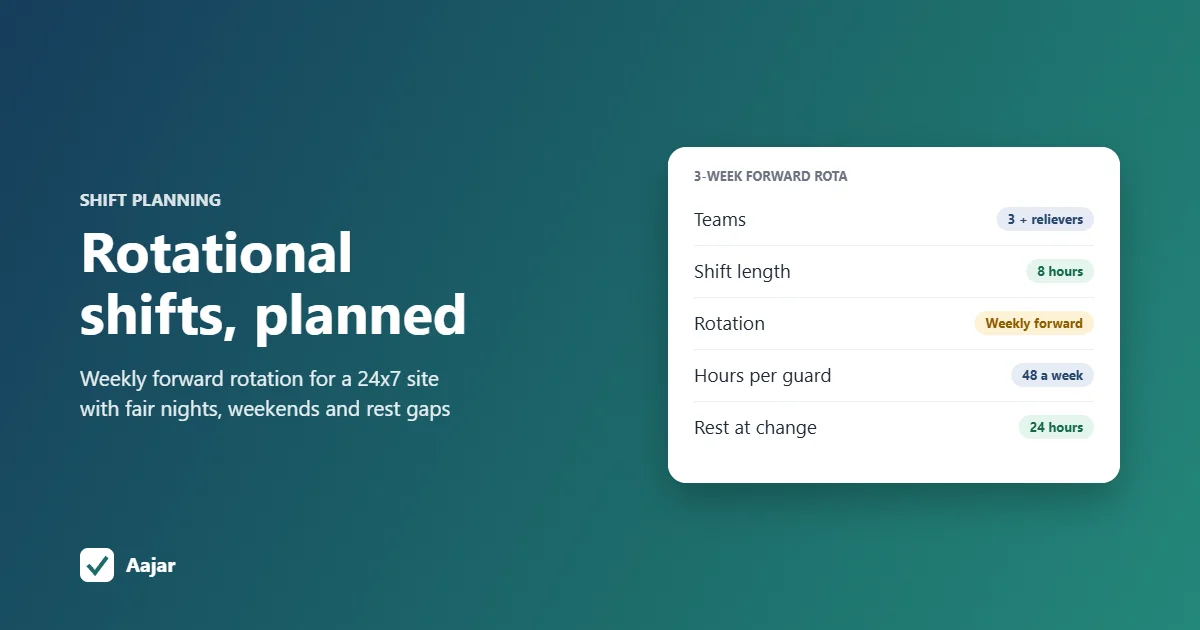
Rotational Shift: Patterns, Fair Planning and a 24x7 Example
Rotation patterns compared, a fair-planning checklist and a 3-week roster for a 24x7 site that stays within 48 hours a week.
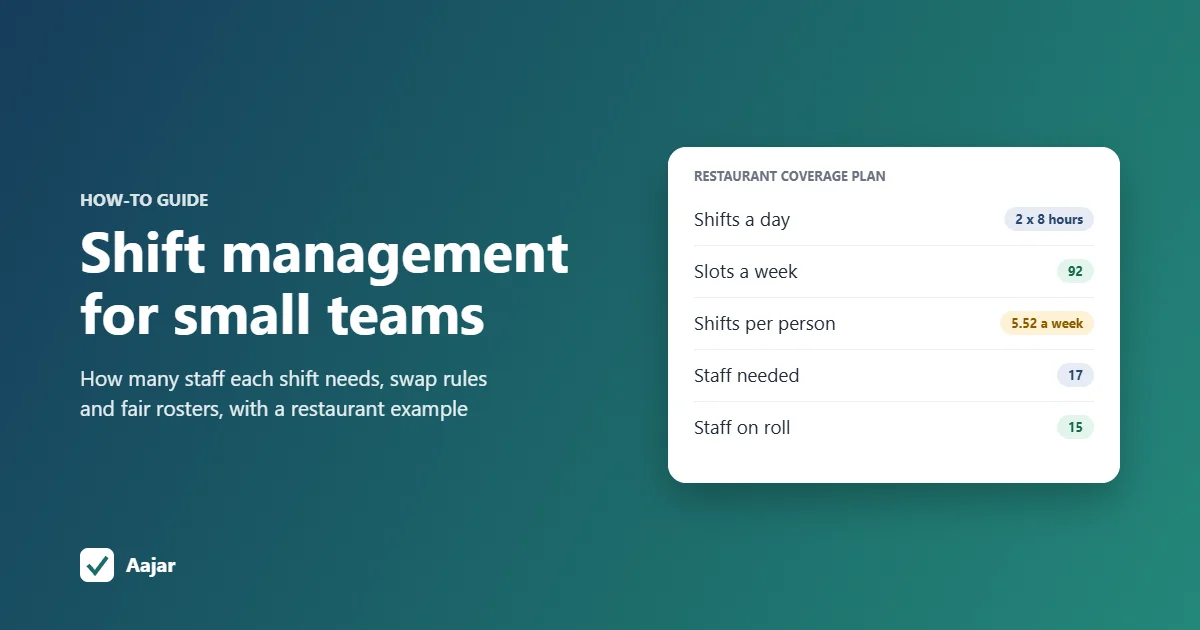
Shift Management for Small Teams: Coverage, Swaps and Fairness
How many staff each shift needs, worked through for a 15-person restaurant, plus shift swap rules and ways to keep rosters fair.
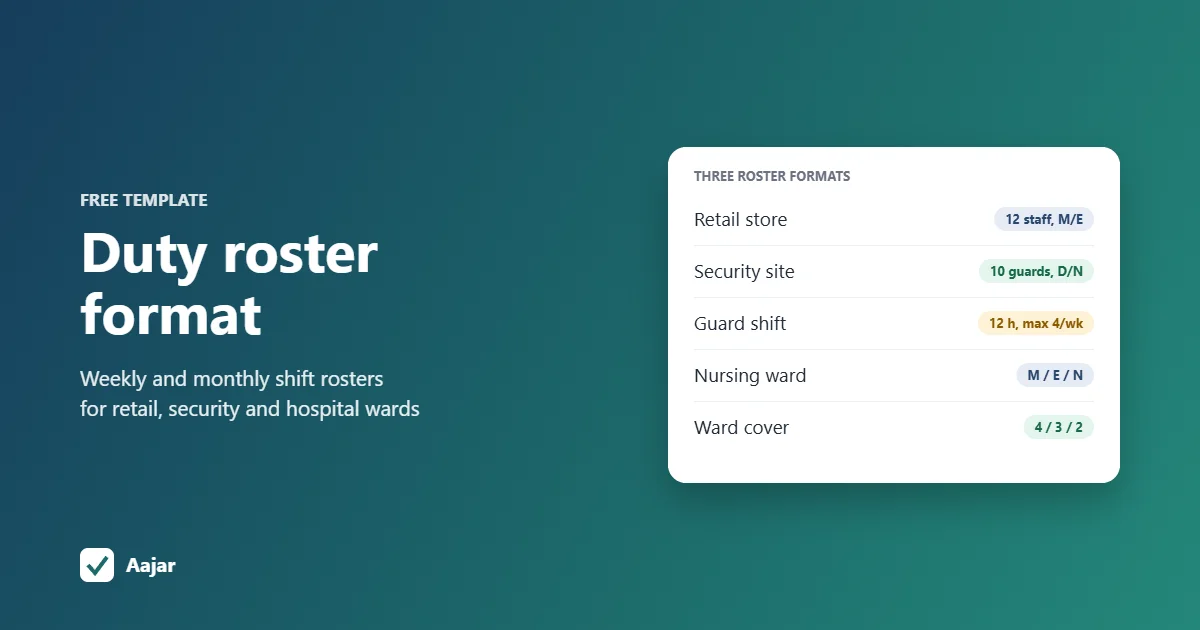
Duty Roster Format: Free Shift Roster Templates for Retail, Security and Hospitals
Three ready duty roster formats for retail, security and hospital wards, plus shift codes and Excel steps to build your own.