Employee Attendance App: How to Choose One (Features, Pricing, Checklist)
A step-by-step guide to choosing an employee attendance app in India, with a pricing comparison and a checklist to take into any demo.
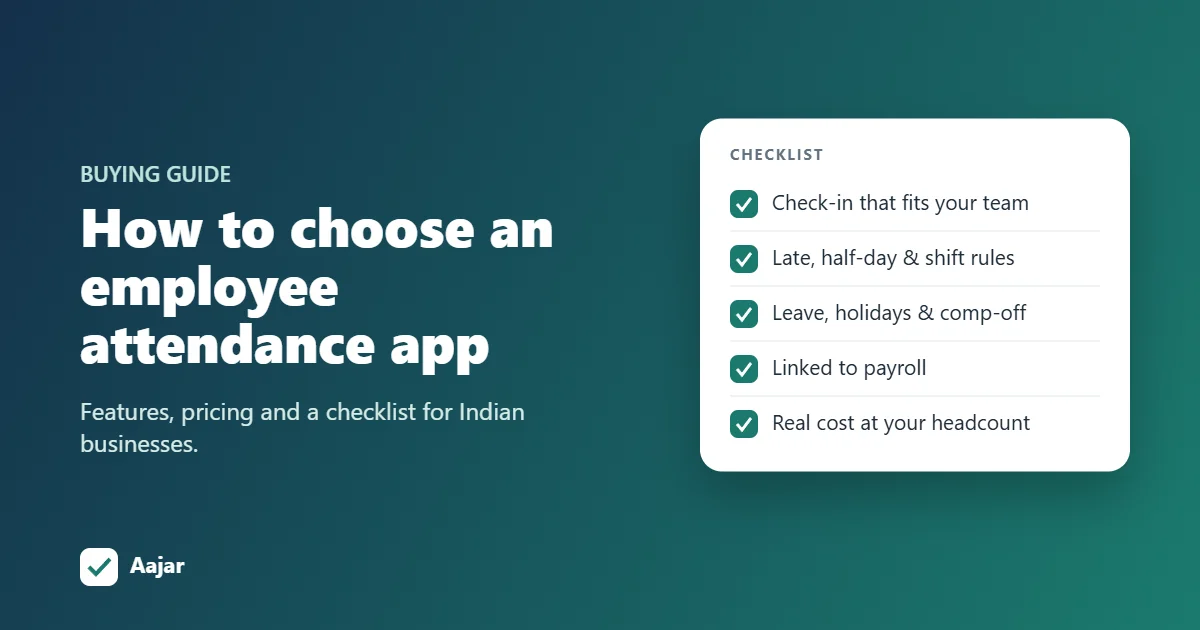
Short answer: an employee attendance app records when each person checks in and out, from a phone, a computer or a biometric terminal, and turns that into daily attendance, leave balances and salary days. To choose one, match the check-in method to how your team works. Then check that it handles your attendance rules and connects to leave and payroll. Finally, compare the yearly cost at your headcount, and run a two-week pilot before you commit.
This guide walks through those decisions step by step for businesses in India, with a checklist you can take into any demo.
Step 1: Match the check-in method to how your team works
The most common mistake is picking an app for its dashboard and only later finding that the check-in method does not suit the people using it.
| Type of team | Best check-in method | What to look for |
|---|---|---|
| Office staff at desks | Phone or computer | Works in a browser or app; optional geofence for the office |
| Shop floor, factory, warehouse | Biometric terminal at the gate | Syncs your existing fingerprint or face machine, such as eSSL |
| Field sales and service staff | Phone with GPS or geofencing | Check-ins tied to a site; on-duty requests for client visits |
| Mixed teams across branches | A combination of the above | One attendance record per person, whatever the method |
Geofencing deserves a special mention. It only counts a check-in made within a set distance of your office or site, which stops people checking in from home without needing extra hardware.
Step 2: Check it handles your attendance rules
Recording a check-in time is the easy part. The value comes from the app applying your policy so nobody has to recalculate attendance in Excel. Ask whether it supports:
- Late-coming grace time, for example up to 10 minutes late counts as on time.
- Half-day and full-day thresholds based on hours worked.
- Weekly offs and alternate-Saturday rules, which are common in Indian offices but missing from many global tools.
- Shifts, including night shifts that cross midnight.
- Overtime and comp-off, if people work beyond their hours or on holidays.
- Manual corrections by HR, with the correction kept even when new punches arrive.
Step 3: Make sure leave and holidays live in the same app
Attendance and leave are two halves of the same record. An absent day is either approved leave, a holiday, a weekly off or loss of pay, and the app can only tell which if it knows all four. Look for leave policies with balances, a holiday calendar for your state, approval by a manager or HR, and Indian conventions such as the sandwich leave rule and permission (short absence) requests.
Step 4: Connect attendance to payroll
If attendance does not flow into salary, someone retypes loss-of-pay days every month. That is where most payroll errors start. The best setup is one where approved attendance and leave feed directly into the payroll run, payslips are generated from the same data, and employees can download them. Apps like Aajar also collect income-tax declarations and proofs, so TDS planning uses the same employee records.
Step 5: Check records and data protection
Two legal changes make record-keeping more important for Indian employers in 2026:
- The four labour codes, including the Code on Wages, 2019, came into effect on 21 November 2025 and replaced 29 central labour laws (EY summary). Accurate attendance and wage records you can export are part of staying compliant. Check your state's rules for the exact registers required.
- The Digital Personal Data Protection Rules, 2025 were notified on 13 November 2025, and most obligations for organizations apply from 13 May 2027 (S.S. Rana & Co.). Attendance apps handle personal data such as location and, with biometric machines, fingerprints or face templates. Ask the vendor who can see this data, how access is controlled by role, and how you can export or delete records.
Step 6: Compare the real cost at your headcount
Attendance apps in India use four pricing models, which makes headline prices hard to compare. Work out the monthly cost for your team size.
| Pricing model | Example (public prices, October 2026) | Monthly cost for 25 employees |
|---|---|---|
| Per user per month | Aajar Starter ₹20, Growth ₹35, Business ₹50 | ₹500 (Starter) to ₹1,250 (Business), plus GST |
| Flat fee with included employees | greytHR Growth (includes attendance): ₹4,495 a month for up to 50 employees | ₹4,495 |
| Per staff per year | PagarBook app + dashboard: ₹699 per staff per year | About ₹1,456 (₹17,475 a year) |
| Free with limits | Jibble (attendance only, unlimited users); Zoho People (5 users, no attendance on free plan) | ₹0 for attendance; payroll handled elsewhere |
Also ask about the free trial length, whether a card is needed to start, whether GST is included in the quoted price, and how the price changes as you add people.
Step 7: Run a two-week pilot
A demo shows the best case. A pilot shows how the app copes with your real week. Pick one team, run the app alongside your current method for two weeks, then check:
- Did everyone manage to check in without help after the first day?
- Do the app's late, half-day and absent counts match what you would have calculated?
- Did leave approvals and corrections take less time than before?
- Could you export the month's attendance in the format your accountant needs?
The employee attendance app checklist
Take these questions into any demo:
- Which check-in methods are included in my plan: phone, computer, geofence, biometric?
- Can I set late grace, half-day thresholds, weekly offs and alternate Saturdays?
- Does it support shifts, overtime and comp-off?
- Are leave balances, holidays and the sandwich rule built in?
- Does attendance feed payroll and payslips in the same app?
- Can employees use it on their own phones, on both Android and iPhone?
- Who can see employee location and biometric data, and can I export or delete it?
- What will I pay per month at today's headcount, and at double it?
- How long is the free period, and is a card needed?
How Aajar answers the checklist
Aajar is an employee attendance app built for small and mid-sized teams in India. Employees check in from a phone or computer, with geofencing and shifts on the Growth plan and eSSL-style biometric terminals on Business. Late grace, half-day rules, weekly offs, alternate Saturdays, leave balances, holidays, the sandwich rule and complete payroll with payslips are included from the ₹20 Starter plan. Every plan is free for 3 months for teams of up to 50 users, with no card needed. Start your free period or compare free attendance apps in India.
Frequently asked questions
What is an employee attendance app?
It is software that records when employees start and finish work, using a phone, computer or biometric device. It then calculates daily attendance, late marks, leave and working days for payroll.
Which check-in method is most accurate?
Biometric terminals give the strongest proof that a person was physically present. Phone check-in with geofencing is close behind for office and site teams, and needs no hardware. Many businesses use both.
How much does an employee attendance app cost in India?
It ranges from free (attendance-only plans) to a few thousand rupees a month. For teams under 50 people, per-user pricing such as Aajar's ₹20 to ₹50 per user per month usually costs less than flat-fee plans.
Can an attendance app replace the attendance register?
For most businesses, yes. A digital record that you can export each month replaces a paper muster roll. Check your state's rules under the new labour codes for the exact format required.
Is it legal to track employee location?
Location tracking at check-in is common in India. Under the DPDP Rules 2025, employers should tell employees what is collected and why, and limit access to it. Geofenced check-in, as in Aajar, checks location only when someone checks in or out, rather than tracking them all day.
Keep reading
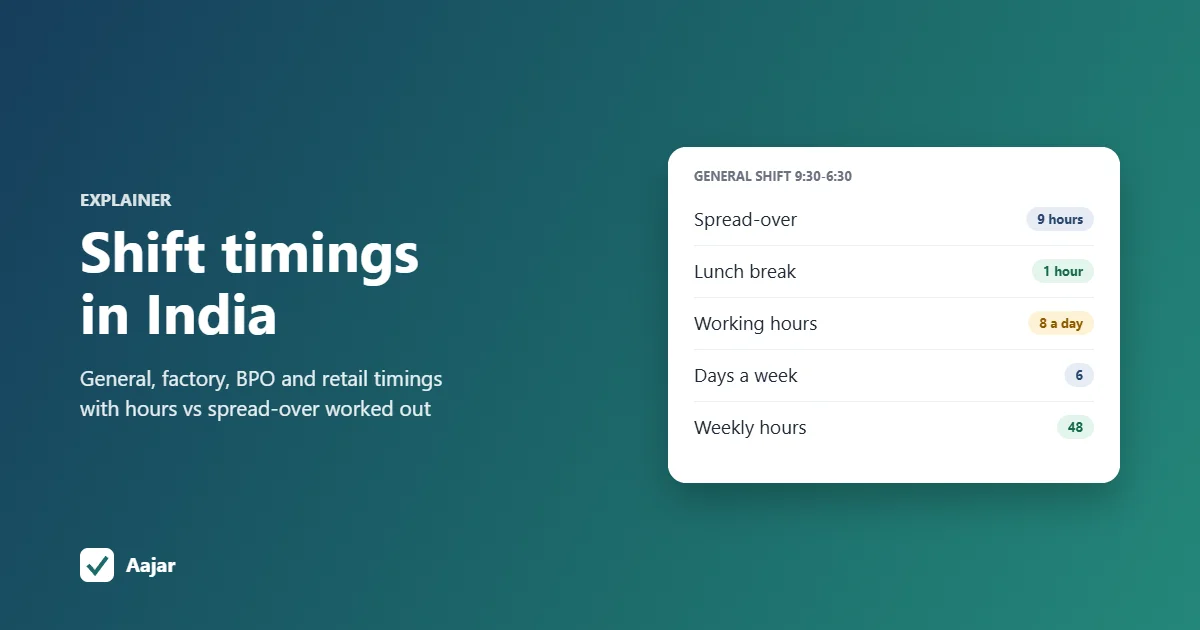
Shift Timing in India: General Shift, Industry Timings and Legal Limits
Common shift timings in India by industry, general shift meaning, a 9:30-6:30 hours example and the OSH Code limits to check.
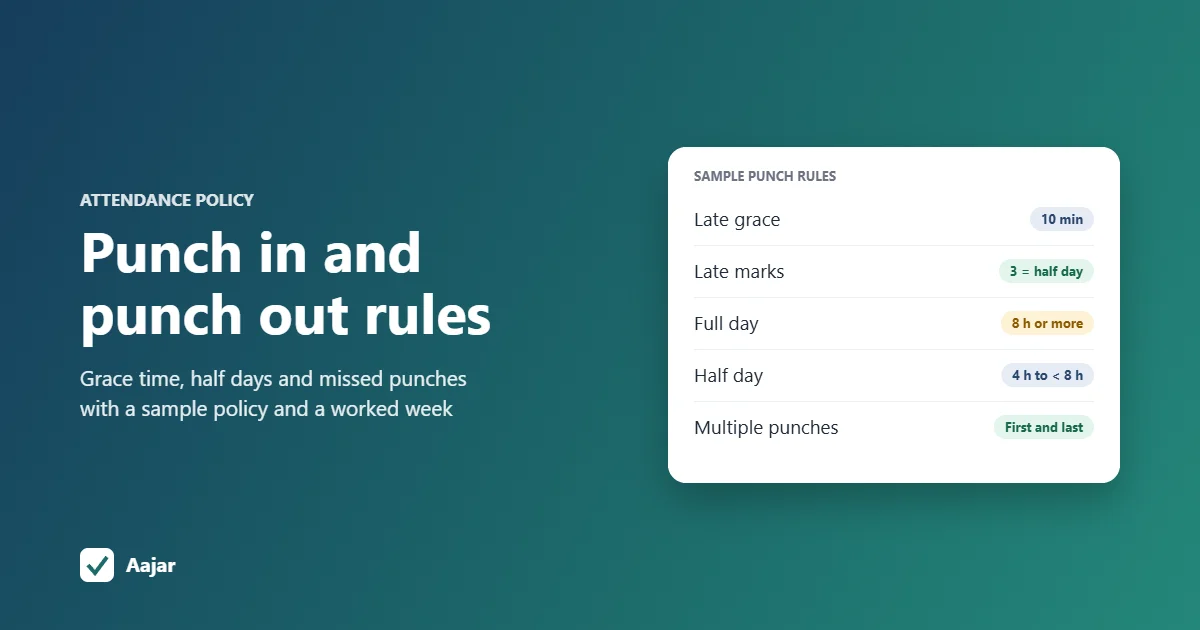
Punch In and Punch Out: Rules Every Small Business Should Set
What punch in and punch out mean, and the grace time, half-day, missed punch and overtime rules a small business should write down.
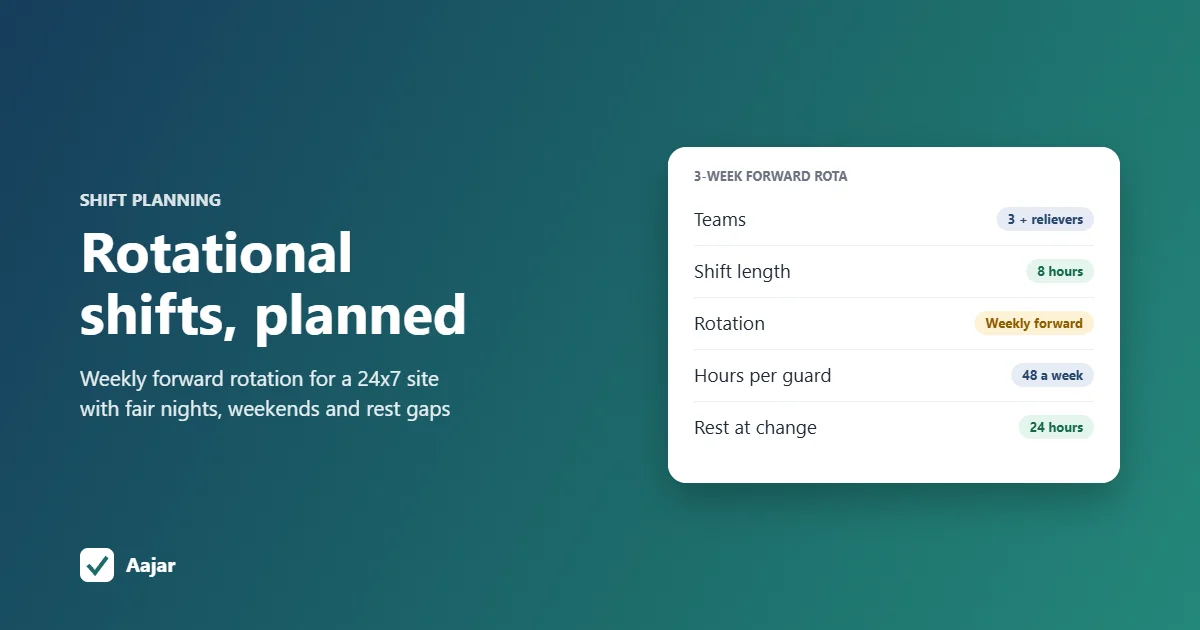
Rotational Shift: Patterns, Fair Planning and a 24x7 Example
Rotation patterns compared, a fair-planning checklist and a 3-week roster for a 24x7 site that stays within 48 hours a week.