Attendance Regularization: Process, Rules and a Sample Policy
How to fix missed punches the right way: valid reasons, time limits, approvals and payroll cut-off, with a sample policy and an email to HR.
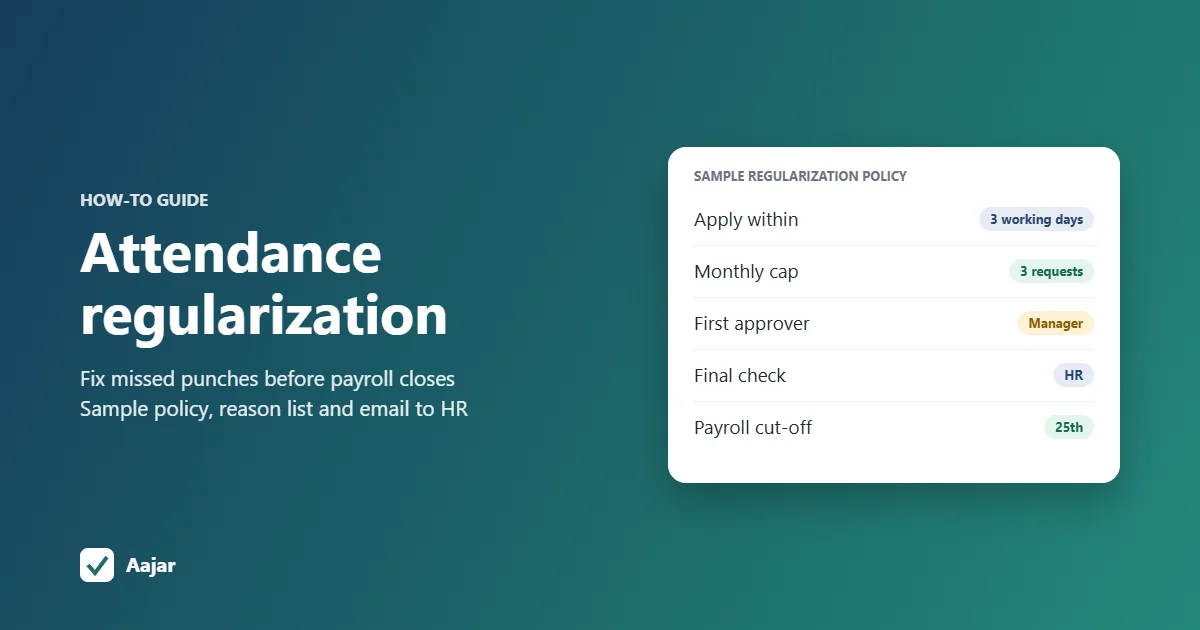
Short answer: attendance regularization is the process of correcting an attendance record when a punch is missing or wrong, for example when an employee forgot to punch out, the biometric device was down or they were at a client site. The employee raises a request with a reason, the reporting manager approves it, and HR updates the record before payroll closes. A simple policy might allow requests within 3 working days of the missed punch, cap them at 3 a month and stop accepting them after the payroll cut-off.
This guide covers what counts as a valid reason, who approves what, time limits and caps, how to stop misuse and how regularization fits with payroll. It includes a sample policy you can copy, a reason list and a sample email to HR.
What does attendance regularization mean?
Every attendance system, whether a biometric machine, a mobile app or a paper register, sometimes records a day wrongly. Regularization (also spelt regularisation) fixes that record so it matches what happened. It corrects an error; it is not a way to excuse lateness or turn an absence into a working day.
Regularization vs leave, permission and on-duty
| Request type | When it is used | Raised |
|---|---|---|
| Regularization | The employee worked, but the record is wrong or incomplete | After the day |
| Leave | The employee did not work and uses a leave balance | Before, or after for sudden sick leave |
| Permission | A short absence of an hour or two during the working day | Usually before |
| On-duty | Work done away from the office: client visit, bank, site, training | Before or on the day |
If your system supports on-duty and permission requests, most "I was at a client site" regularizations disappear, because the employee applies on the day instead of explaining it later. Leave belongs in your leave management system, not in a regularization request.
What counts as a valid reason for regularization?
A clear reason list saves arguments. Here is a short list that works for most offices, shops and factories, with what to ask for as evidence.
| Reason | Typical case | Evidence to ask for |
|---|---|---|
| Forgot to punch in or out | Punched in at 9:28, left at 6:30 without punching out | Manager confirms the employee was present |
| Device or app not working | Biometric machine offline, power cut, app crash | Admin or IT confirms the outage; other staff will show the same gap |
| On-duty or client visit | Went straight to a client or a site in the morning | Visit details, client name, travel or expense record |
| Network or GPS issue | Phone had no signal, location did not load | Screenshot of the error, or the manager confirms |
| Punched outside the geofence | Checked in from the parking area or the next building | Location recorded at check-in, manager confirms |
| Fingerprint or face not read | Worn fingerprints, cut finger, face not matched | Security gate register or supervisor confirms |
| Wrong shift or wrong record | Worked the second shift but was marked against the general shift | Shift roster or supervisor confirms |
Not valid: arriving late, leaving early or a day not worked. Those are late marks, permission or leave.
Field teams cause the most location-related requests. Our guide to GPS and geofence attendance for field staff explains how to set the radius so fewer genuine check-ins fall outside it.
How to regularise attendance: the step-by-step process
- The employee spots the error in their daily attendance or the monthly summary, ideally the same day.
- The employee raises a request in the HR app, or by email if there is no app, with the date, the correct in and out times, a reason from the list and any evidence.
- The reporting manager approves or rejects within 2 working days, because they know whether the person was actually at work.
- HR checks the request against the policy: within the time limit, under the monthly cap, a valid reason, and no clash with leave or holiday records.
- HR updates the attendance record and keeps a note of the reason, the approver and the date of change, while keeping the original punch data.
- The corrected day flows into payroll if it is before the cut-off, or into next month's salary as an adjustment if it is after.
Who can request and who approves?
The employee whose record is wrong should raise the request. A manager or HR may correct a record directly in two cases: a device outage that affected a whole team, or a new joiner whose biometric ID was not set up yet.
For most small businesses a two-step chain is enough: reporting manager first, then HR. Add a third approver, such as the department head, only for requests beyond the monthly cap or older than the time limit. Managers should not approve their own requests; send those to their own manager or HR.
Sample attendance regularization policy
Use this as a starting point and change the numbers to suit your business. Write the final version into your attendance or leave policy so every employee sees it.
| Clause | Sample wording | Why it helps |
|---|---|---|
| Purpose | Regularization corrects missing or wrong attendance records for days the employee actually worked. | Stops it being used as an excuse for lateness or absence |
| Eligible reasons | Missed punch, device or app failure, on-duty work, network or location error, biometric not read, wrong shift. | Removes argument about what qualifies |
| Who can apply | All employees, for their own attendance only. | No one requests on behalf of a colleague |
| Time limit | Within 3 working days of the date to be corrected. | Managers still remember the day |
| Monthly cap | Up to 3 requests a month. Device outages confirmed by Admin do not count. | Repeated "forgot to punch" shows up quickly |
| Details required | Date, correct in and out times, reason and evidence where available. | Approvers can decide without chasing |
| Approval | Reporting manager within 2 working days, then HR. Requests over the cap or time limit also need the department head. | Clear owner at each step |
| Payroll cut-off | Requests approved after the 25th are adjusted in the next month's salary. | Payroll is not reopened every month |
| Rejected requests | The day stays as recorded (absent, half day or late) under the attendance policy. | Employees know the consequence |
| Misuse | False requests are treated as a disciplinary matter under the company's conduct rules. | Sets the seriousness from day one |
| Records | HR keeps the original punch, the corrected entry, the reason and the approver for every change. | Any later dispute can be checked |
What is the last date to regularize attendance?
There is no single date; your company's policy sets it. Two limits usually apply together: a rolling limit (such as 3 working days after the missed punch) and a hard stop at the payroll cut-off for that month.
If your HRMS shows a last date, it is the date the administrator configured. Ask HR for the policy, and if you are past the window, ask whether a late request with department-head approval is allowed.
A worked example: what a missed regularization costs
Take a 25-person retail chain that closes attendance on the 25th and pays salaries on the 1st. A sales associate earning ₹18,600 a month forgot to punch out on 3 and 17 October, so the system marked both days as half days.
| Scenario | Working | Effect on October salary |
|---|---|---|
| Not regularized | 2 half days = 1 day loss of pay; ₹18,600 ÷ 31 × 1 | ₹600 deducted |
| Both regularized by the 25th | Both days corrected to full days | No deduction |
| Regularized on 28 October | After cut-off: ₹600 deducted in October, refunded as an arrear | ₹600 added to November salary |
This example uses calendar days (31 in October) as the divisor. Some companies divide by 26 or by working days; whichever you use, use it every month.
How do you prevent misuse of regularization?
- Cap it. A limit of 3 a month (excluding confirmed device outages) separates the occasional slip from a habit.
- Ask the manager, not just HR. The manager knows whether the person was in the meeting or on the shop floor.
- Look at patterns. Run a monthly report of regularizations by person and by reason; the same names on Mondays tell their own story.
- Do not regularize lateness. If the person punched in at 10:15, the record is correct, even if the reason was traffic.
- Keep an audit trail. Store the original punch, the corrected time, who approved it and when, so a correction can always be checked.
- Fix the root cause. If the biometric machine fails every week or the geofence is too tight, regularization becomes a daily chore; fix the setup instead.
If you still track attendance in a spreadsheet, add a "corrected by" and "reason" column; our attendance sheet in Excel template is a good base.
How do I write a mail to HR for attendance regularization?
Keep it short, give the exact date and times, and state the reason plainly. Copy your reporting manager so they can confirm. Here is a sample you can adapt.
Subject: Attendance regularization request for 14 October 2026
Dear HR team,
I request regularization of my attendance for Tuesday, 14 October 2026. I was at the Andheri branch from 9:30 a.m. to 6:30 p.m. for stock audit, but I could not punch out because the biometric device at the branch was not working in the evening.
Please update my attendance with check-in at 9:30 a.m. and check-out at 6:30 p.m. My reporting manager, Ms. Priya (Store Manager), is copied and can confirm. I have attached the stock audit sheet signed on that day.
Thank you,
Rahul S.
Employee ID: EMP-0142, Sales
Change the reason line to match your case, for example: "I forgot to punch in when I arrived at 9:20 a.m.", "I went directly to the client's office at Whitefield for a meeting from 9:30 to 12:00", or "the app showed a location error and did not record my check-in".
Attendance regularization on Aajar
In Aajar, an HR or Admin user can correct an employee's attendance for a day by hand, and that correction stands: later punches for the same day do not overwrite it. Permission requests are on every plan from Starter (₹20 per user per month), and on-duty requests and geofenced check-in are on Growth (₹35), so client visits can be approved on the day rather than regularized afterwards.
On Business (₹50), punches from eSSL and similar biometric devices sync automatically, and punches from an unmatched biometric ID are kept and attached once the ID is mapped, so a missing setup does not turn into lost days. Every plan is free for the first 3 months for organisations with up to 50 users; see Aajar pricing.
Frequently asked questions
What does attendance regularization mean?
It means correcting an attendance record that is missing or wrong, such as a missed punch-in or punch-out, so it shows what actually happened that day. The correction is usually approved by the reporting manager and HR.
How to regularise attendance?
Raise a request in your HR app or email HR with the date, correct in and out times, the reason and any evidence. Your manager approves it, and HR updates the record before the payroll cut-off.
How do I write mail to HR for attendance regularization?
Use a subject line with the date, state the correct times and the reason in two or three sentences, copy your manager and attach any proof. See the sample email above.
What is the last date to regularize your attendance in HRMS?
It depends on your company's policy and how the HRMS is set up. Our sample policy allows 3 working days after the missed punch, and never later than the monthly payroll cut-off.
Can attendance be regularized for a late arrival?
Usually not. If the punch recorded the actual time you arrived, the record is correct; use a permission request if your company allows short absences.
Keep reading
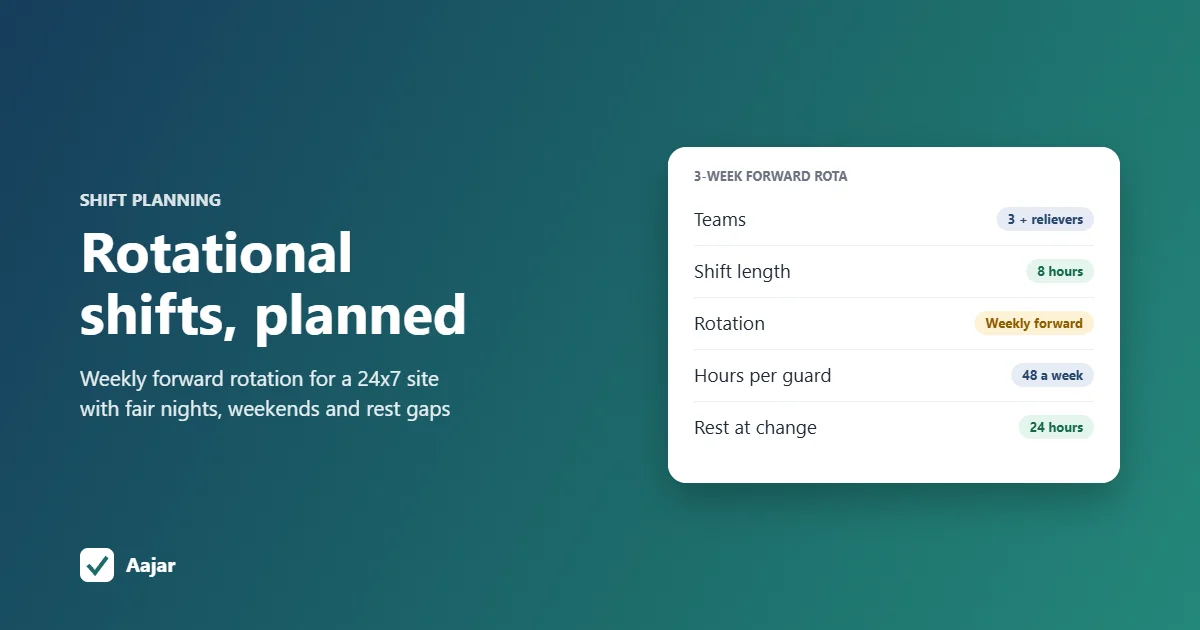
Rotational Shift: Patterns, Fair Planning and a 24x7 Example
Rotation patterns compared, a fair-planning checklist and a 3-week roster for a 24x7 site that stays within 48 hours a week.
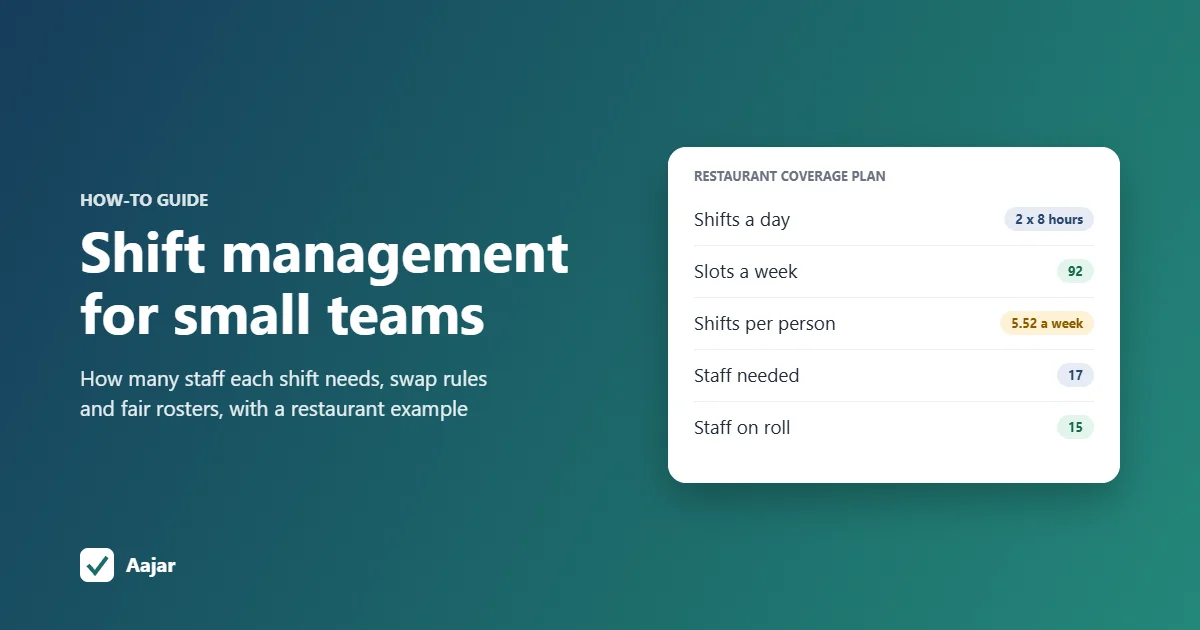
Shift Management for Small Teams: Coverage, Swaps and Fairness
How many staff each shift needs, worked through for a 15-person restaurant, plus shift swap rules and ways to keep rosters fair.
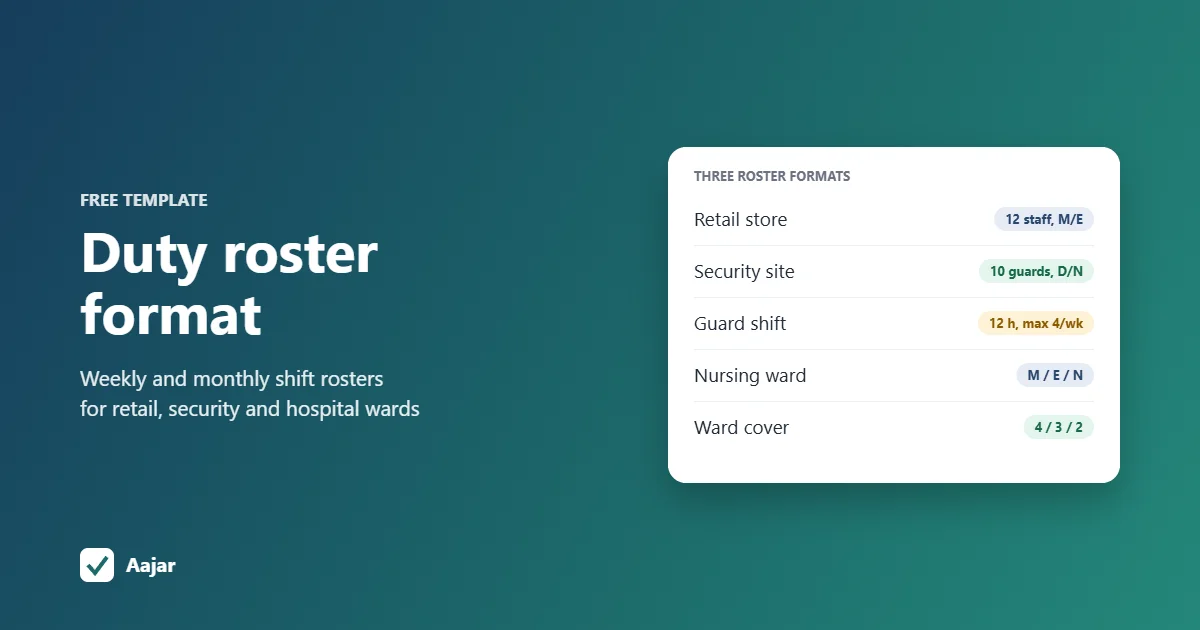
Duty Roster Format: Free Shift Roster Templates for Retail, Security and Hospitals
Three ready duty roster formats for retail, security and hospital wards, plus shift codes and Excel steps to build your own.