QR Code Attendance for Offices and Sites: Setup and Pitfalls
How QR check-in works for offices and sites, how people cheat it, when it beats a biometric machine, and how to set it up at your entrance.
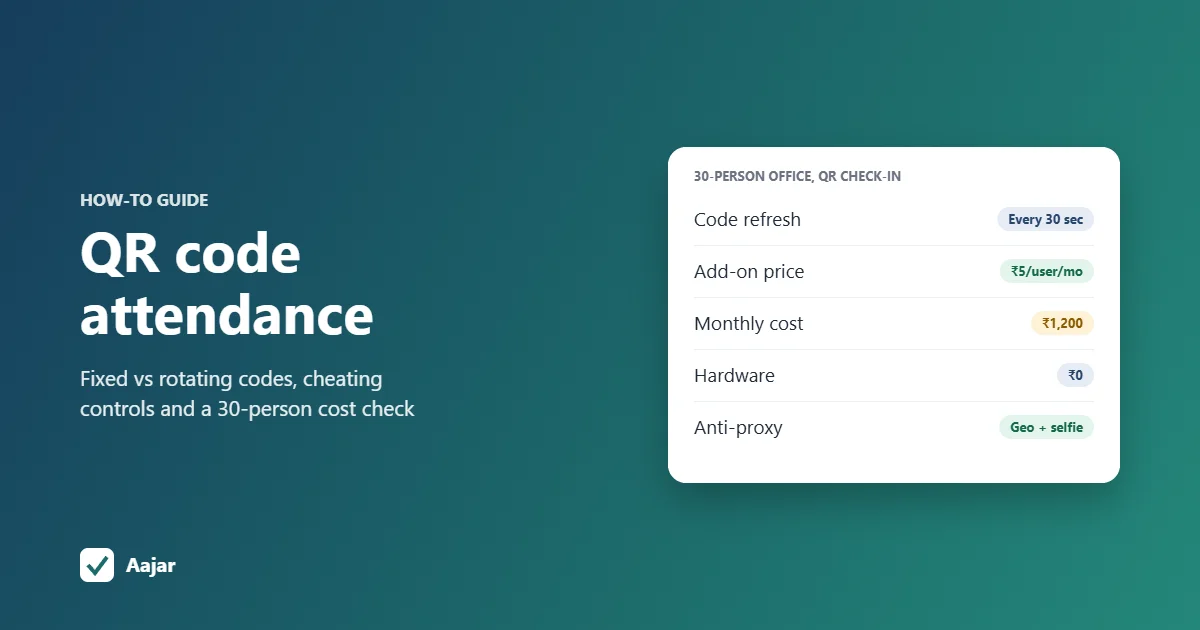
Short answer: QR code attendance lets employees clock in by scanning a QR code at the office or site entrance with the attendance app on their phone. The app records who scanned, when, and at which location. A fixed printed code is easy to set up but easy to cheat, because a photo of it works from anywhere. A rotating code that changes every 30 seconds, ideally combined with a geofence or a selfie, closes most of those gaps. For a 30-person office it can cost about ₹1,200 a month with no hardware to buy.
This guide is for offices, shops, warehouses and work sites, not schools or events. It covers the two ways QR attendance works, how people cheat it and what stops them, when QR is a better choice than a biometric machine, and how to set it up at your entrance.
What is a QR code attendance system?
It is a way of recording check-in and check-out where a QR code does the job of the punch card. Instead of pressing a thumb on a machine, the employee and a QR code meet at the door, and the scan creates a time-stamped attendance record in the software.
There are two models, and they suit different workplaces.
| Model 1: employee scans a displayed QR | Model 2: employee shows a personal QR | |
|---|---|---|
| What is at the entrance | A printed QR poster or a screen showing the code | A scanner, tablet or guard's phone that reads codes |
| What the employee carries | Their own smartphone with the attendance app, logged in | A personal QR on an ID card or in an app |
| Who is identified | The logged-in phone user | Whoever holds the card or phone |
| Hardware cost | Nothing, or one old tablet for a rotating code | A scanner or tablet at every entrance |
| Main weakness | A shared photo of a fixed code | Cards lent to a friend |
| Suits | Offices, shops, sites where staff have smartphones | Factories or sites where workers don't carry smartphones |
Aajar, like many phone-based attendance apps, uses model 1. Model 2 works like an ID-card punch system and needs someone or something at the gate to do the scanning.
How do you scan a QR code for attendance?
In model 1 the employee's side takes a few seconds:
- Open the company's attendance app (not the phone's normal camera, which would only open a link).
- Tap check-in and point the phone at the QR code at the entrance.
- The app reads the code, checks it belongs to your office and is still valid, and records the check-in time.
- At the end of the day, scan again to check out.
Because the employee is already logged in, the app knows who they are. The QR code only proves that the phone was in front of that code at that moment.
Fixed or rotating QR code: which should you use?
| Fixed QR code | Rotating QR code | |
|---|---|---|
| How it works | One code, printed once | A new code is shown on a screen every few seconds (for example every 30 seconds) |
| What you need | A printed sheet, laminated | A tablet, old phone or monitor that stays on during check-in hours |
| A photo of the code | Works from anywhere, any day | Stops working within seconds |
| Power cut or screen failure | No effect | No code until the screen is back, so keep a backup |
| Best for | Small, trusted teams; places where a geofence also applies | Offices where people have a reason to cheat, or the entrance is unattended |
A fixed code on its own is a convenience, not a control. If attendance affects pay or incentives, use a rotating code or add a second check such as a geofence.
How do employees cheat QR attendance, and what stops them?
Every attendance method gets tested by someone sooner or later. These are the common tricks with QR check-in and the controls that work against each one.
| How people cheat | What happens | Control that stops it |
|---|---|---|
| Photo of the code shared on WhatsApp | A colleague photographs the fixed QR and posts it in the team group; latecomers scan it from home or the bus | Rotating code (the photo expires in seconds); geofence |
| Scanning from outside the premises | Someone scans a code visible through a window, or a code saved on a phone, from the road or the tea shop | Geofence, so check-in only counts inside a set radius of the office |
| Scanning for a friend | An employee carries an absent colleague's phone, or logs in to their account, and scans for them | Selfie or face check-in at clock-in; device binding |
| Logging in on two phones | One person's account is used on a second phone kept by someone else | Device binding (one account, one registered phone), where the app offers it |
| Scanning in, then leaving | The employee checks in on time and walks out | Scan to check out; spot checks with the live "who is in" view |
No single control covers everything. A rotating code plus a geofence handles most of the cheating that QR adds; a selfie or face check covers buddy punching, which biometric machines handle by design.
If your staff move between sites rather than sitting at one entrance, read our guide to GPS and geofence attendance for field staff, which explains radius settings and location accuracy.
When is QR code attendance better than a biometric machine?
QR check-in usually wins when:
- You don't want to buy hardware. A printed code or a spare tablet is enough, so there is no machine to buy, mount, network or repair.
- You have more than one entrance. A biometric machine is needed at every door people use; a QR code can be printed or shown at each one.
- The site is temporary. Construction, event and project sites move every few months. You can stick a new code on the site office wall in minutes.
- You want contactless check-in. Nobody touches a shared fingerprint sensor.
- Staff already use a phone app for leave and payslips, so check-in is one more step in the same app.
A biometric machine is the better choice when:
- Many workers don't have smartphones, or the company doesn't want to depend on personal phones and mobile data.
- Buddy punching is a real problem and you don't want to add selfie or face checks to every scan.
- Large numbers arrive at once, such as a 200-worker shift change at a factory gate, where a thumb press is quicker than opening an app.
- You already own a machine that works. In that case connect it to the cloud instead of replacing it; see how to connect an eSSL biometric device to a cloud app.
What does QR attendance cost compared with biometrics? A 30-person office
Take a 30-person office with one entrance, using Aajar's published prices (per user per month, plus GST). QR check-in is an add-on at ₹5 per user per month on the Growth plan. Syncing a biometric machine needs the Business plan, and you buy the machine yourself.
| Cost item | QR check-in on Growth | Fingerprint machine on Business |
|---|---|---|
| Software per month | 30 × (₹35 + ₹5) = ₹1,200 | 30 × ₹50 = ₹1,500 |
| Software for 12 months | ₹1,200 × 12 = ₹14,400 | ₹1,500 × 12 = ₹18,000 |
| Hardware (one-time, approximate) | ₹0 for a printed code, or a spare tablet you already own | About ₹7,000 to ₹13,000 for a fingerprint machine; about ₹13,000 to ₹35,000 for a face terminal |
| First-year total (approximate) | ₹14,400 | About ₹25,000 to ₹31,000 with a fingerprint machine |
| Second entrance | Print or display another code | Another machine |
Machine prices are approximate ranges for eSSL fingerprint and face models seen on dealer and marketplace sites in October 2026 (for example IndustryBuying's eSSL listing); installation, cabling and GST can add to them. The software figures exclude GST and the free first 3 months that Aajar gives organisations with up to 50 users.
The Business plan also includes other features, such as expense claims and an asset register, so compare plans on everything you need, not just check-in. If you are still choosing a tool, our guide on how to choose an employee attendance app lists what to check.
How to make a QR code attendance system for your office
You don't make the QR code in a free online generator: a generic code only opens a link or a form, so anyone can fill it in for anyone. The code has to come from your attendance software, which ties each scan to a logged-in employee and your office.
- Choose the software and switch on QR check-in. Add your office location and, if the app supports it, a geofence radius.
- Decide fixed or rotating. Use rotating if the entrance is unattended or attendance affects pay.
- Set up the display. For a fixed code, print it at least A5 size and laminate it. For a rotating code, mount a tablet or old phone on the wall in a stand, plugged into power, with screen sleep turned off.
- Place it right. Put it inside the entrance, at chest height, where people pass on the way in and can't see it from the street. Avoid spots where sunlight or a tube light reflects off the screen or the lamination.
- Test it. Have three or four people scan with different phones, including an older budget phone, in morning and evening light.
- Plan a backup. Keep a printed fixed code in a drawer for the day the tablet fails or the power is out, and tell staff who to call if the scan doesn't work. Corrections made by HR should be recorded with a reason.
- Tell staff the rules. Explain when to scan in and out, what happens if they forget, and that location or a photo is recorded at check-in, if you turn those on.
QR code attendance on Aajar
Aajar offers QR code check-in as an add-on on the Growth and Business plans at ₹5 per user per month. Employees scan the office QR from the Aajar app to clock in, and you can use a fixed code or a rotating one that changes every 30 seconds, so a photo of it is useless. Selfie check-in and face check-in are separate add-ons at ₹5 per user per month each, and geofenced check-in is included in Growth.
Scans flow into the same monthly attendance, late and half-day rules, leave and payroll as any other check-in. Every plan is free for the first 3 months for organisations with up to 50 users; see Aajar pricing.
Frequently asked questions
Can you use a QR code to take attendance?
Yes. Employees scan a QR code at the entrance with the attendance app, which records who checked in and when. Use a rotating code or a geofence so a shared photo of the code can't be used from home.
How do you make a QR code attendance system?
Use attendance software that generates the code, rather than a free QR generator linked to a form. Switch on QR check-in, print or display the code at the entrance, test it with a few phones and keep a backup code for when the screen fails.
How do you scan a QR code for attendance?
Open your company's attendance app, tap check-in and point the camera at the code at the entrance. The phone's ordinary camera app won't record attendance.
Is QR code attendance safe from proxy attendance?
A fixed code alone is not, because a photo of it can be shared. Rotating codes stop shared photos, a geofence stops scans from outside, and a selfie or face check stops one person scanning for another.
Does QR attendance work without internet?
That depends on the app, so ask your vendor. Many cloud attendance apps need mobile data or Wi-Fi to record the scan, so check signal strength at the entrance before you put the code there.
Keep reading
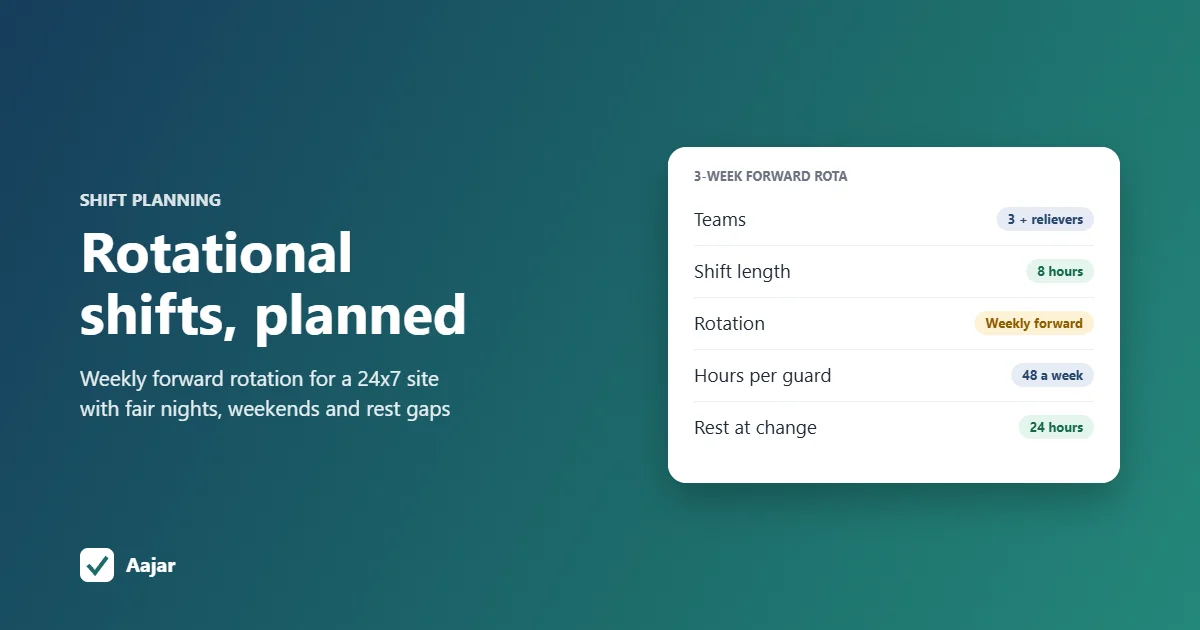
Rotational Shift: Patterns, Fair Planning and a 24x7 Example
Rotation patterns compared, a fair-planning checklist and a 3-week roster for a 24x7 site that stays within 48 hours a week.
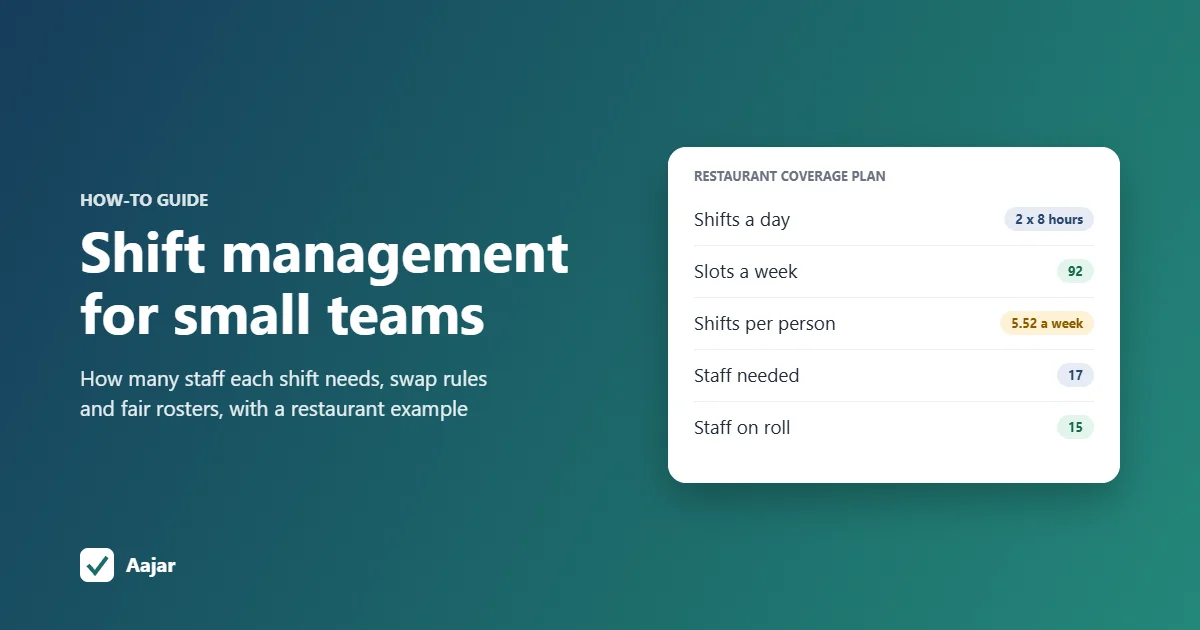
Shift Management for Small Teams: Coverage, Swaps and Fairness
How many staff each shift needs, worked through for a 15-person restaurant, plus shift swap rules and ways to keep rosters fair.
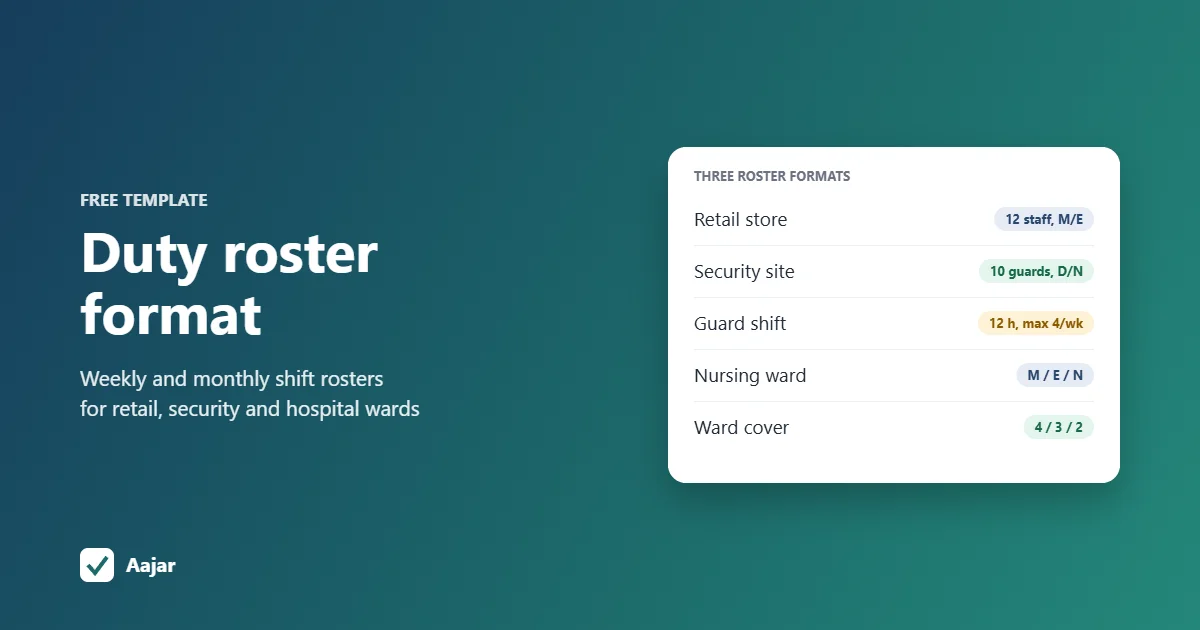
Duty Roster Format: Free Shift Roster Templates for Retail, Security and Hospitals
Three ready duty roster formats for retail, security and hospital wards, plus shift codes and Excel steps to build your own.