Timesheet Template and When to Use Timesheets Instead of Attendance
A free weekly and daily timesheet template, Excel formulas for hours and breaks, and how timesheets differ from attendance.

Short answer: a timesheet is a record of the hours an employee spends on each project, client or task, usually filled daily or weekly and approved by a manager. It answers "what did you work on?", while attendance answers "were you here, and from when to when?". Use a timesheet when you bill clients by the hour, cost projects or track utilisation. Record time in decimal hours (7 h 45 m = 7.75 h) so totals and invoices are easy to calculate.
Below you'll find a free weekly timesheet template, a daily variant, the steps to fill and approve it, Excel formulas for hours and breaks, and a worked billing example for a 12-person agency.
What is a timesheet?
A timesheet is a table with one row per piece of work and one column per day. Each cell holds the hours spent on that work that day, and the row and column totals show where the week went.
Most timesheets also mark each row as billable or non-billable. Billable hours go on a client invoice; non-billable hours (internal meetings, training, fixing your own mistakes) are tracked so you know what they cost.
Timesheet vs attendance: which one do you need?
They look similar because both deal with hours, but they do different jobs. Many businesses need both.
| Attendance | Timesheet | |
|---|---|---|
| Question it answers | Was the employee present, and when did they check in and out? | Which project, client or task did the hours go to? |
| Recorded by | Biometric machine, phone check-in or register | The employee, after the work is done |
| Unit | Days present, late marks, hours on site | Hours per task, often in 15-minute steps |
| Used for | Salary, leave, late and half-day rules, overtime | Client invoices, project costing, utilisation, estimates |
| Who needs it | Every employer | Agencies, consultants, IT services, CA and law firms, contractors, anyone billing by the hour |
| Approved by | HR or the time office | Project manager or team lead |
A timesheet does not replace attendance. The attendance register-cum-muster roll is one of the registers employers keep under the labour codes, in paper or electronic form, preserved for five years, as listed in the Ministry of Labour's compliance handbook for employers (p. 9). A project timesheet is a business record you keep for billing and costing.
The two should still agree roughly. If someone checked in for 8 hours but logged 11 hours on their timesheet, or logged 4 hours on a full day, ask why before you bill or pay.
Free weekly timesheet template
This weekly timesheet template works for most service businesses. Copy the table into Excel or Google Sheets, keep one sheet per employee per week, and delete the example rows. The example is filled in for a designer at a small agency for the week of 2 to 7 November 2026.
Header: Employee name | Employee ID | Week starting (Monday) | Manager | Submitted on | Approved on
| Client / project | Task | Billable (Y/N) | Mon | Tue | Wed | Thu | Fri | Sat | Total |
|---|---|---|---|---|---|---|---|---|---|
| Client A, website redesign | Homepage design | Y | 4.00 | 3.50 | 2.00 | 0.00 | 3.00 | 0.00 | 12.50 |
| Client A, website redesign | Client review call | Y | 0.00 | 1.00 | 0.00 | 0.75 | 0.00 | 0.00 | 1.75 |
| Client B, social media retainer | Post creatives | Y | 3.00 | 2.00 | 4.00 | 5.00 | 4.00 | 0.00 | 18.00 |
| Client A, website redesign | Fixes for our own errors | N | 0.00 | 0.00 | 0.75 | 1.00 | 0.00 | 0.00 | 1.75 |
| Internal | Team meeting | N | 1.00 | 0.00 | 0.00 | 0.00 | 1.00 | 0.00 | 2.00 |
| Internal | Training | N | 0.00 | 1.50 | 1.25 | 1.00 | 0.00 | 0.00 | 3.75 |
| Daily total | 8.00 | 8.00 | 8.00 | 7.75 | 8.00 | 0.00 | 39.75 | ||
| Billable hours | 7.00 | 6.50 | 6.00 | 5.75 | 7.00 | 0.00 | 32.25 | ||
| Non-billable hours | 1.00 | 1.50 | 2.00 | 2.00 | 1.00 | 0.00 | 7.50 | ||
Check: 32.25 billable + 7.50 non-billable = 39.75 hours. This designer's billable share for the week is 32.25 ÷ 39.75 = 81%.
What each column is for
- Client / project: use the same names as your invoices or project list, so totals can be grouped later. A drop-down list in Excel stops spelling variations.
- Task: short, and readable by the client if you will show it to them. "Homepage design" is better than "work".
- Billable: Y or N, decided by the contract, not by the employee's mood. Rework caused by your own error is usually N.
- Day columns: decimal hours, in steps of 0.25 (15 minutes). Leave Saturday at zero if you work a 5-day week.
- Totals: row totals show hours per task; column totals should roughly match the hours the person was present that day.
Daily timesheet template
A daily timesheet suits staff who switch between many clients in a day, contractors paid by the hour, or new joiners whose estimates you want to check. It records start and end times for each block of work, then the hours.
Header: Employee name | Date | Check-in | Check-out | Total break
| Start | End | Client / project | Task | Billable (Y/N) | Hours |
|---|---|---|---|---|---|
| 09:30 | 11:00 | Client B, social media | Post creatives | Y | 1.50 |
| 11:00 | 11:45 | Client A, website | Client review call | Y | 0.75 |
| 11:45 | 13:15 | Client B, social media | Post creatives | Y | 1.50 |
| 13:15 | 14:00 | Lunch break (not counted) | 0.00 | ||
| 14:00 | 16:00 | Client B, social media | Post creatives | Y | 2.00 |
| 16:00 | 17:00 | Client A, website | Fixes for our own errors | N | 1.00 |
| 17:00 | 18:00 | Internal | Training | N | 1.00 |
| Total hours worked (09:30 to 18:00 = 8.50, minus 0.75 break) | 7.75 | ||||
This is the Thursday from the weekly example. At the end of the week, the daily sheets roll up into the weekly one.
Daily or weekly timesheet: which is better?
| Daily timesheet | Weekly timesheet | |
|---|---|---|
| Accuracy | High: filled the same day | Lower if people fill it from memory on Friday |
| Effort | A few minutes every day | One sitting a week |
| Best for | Hourly contractors, many small client tasks, disputed billing | Teams on 2 to 5 long projects |
| Approval | Usually rolled up and approved weekly | Approved weekly |
A common middle path: employees fill the weekly sheet a little every day, and submit it once on Friday.
How to fill a timesheet
- Open the week's sheet on Monday and add rows for the projects you expect to work on.
- Log time at the end of each day, or after each block of work. Use 0.25-hour steps and don't round a 10-minute call up to an hour.
- Leave breaks out. Lunch and personal time are not logged against any project.
- Mark billable or non-billable on every row, as per the client contract or your manager's instructions.
- Check the daily totals against your check-in and check-out. A gap of more than 30 minutes usually means something was missed.
- Submit by the deadline, for example Friday 6 p.m., with a one-line note for anything unusual (late-night release, client call on Saturday).
How to approve timesheets
- Manager reviews by Monday noon: are the projects right, are task names clear, are billable flags correct?
- Compare with attendance: logged hours should be close to hours present, after breaks.
- Send back, don't edit: if something is wrong, return it to the employee with a comment so the record stays theirs.
- Approve and lock: once approved, no changes without the manager reopening it. Note the approval date in the header.
- Close the month: after the last week is approved, total billable hours by client for invoicing.
Overtime is a separate question. Long hours on a timesheet are not, by themselves, approved overtime; that should go through your attendance and overtime process. Our guide on how to calculate overtime pay covers the pay side.
How to calculate hours on a timesheet
The formula is: hours worked = end time − start time − breaks. Then convert minutes to decimal hours by dividing by 60.
Example: check-in 9:30, check-out 18:15, lunch 1 hour. 18:15 − 9:30 = 8 h 45 m. Minus 1 h break = 7 h 45 m. 45 ÷ 60 = 0.75, so the timesheet shows 7.75 hours, not 7.45.
Minutes to decimal hours
| Minutes | Decimal | Minutes | Decimal |
|---|---|---|---|
| 5 | 0.08 | 35 | 0.58 |
| 10 | 0.17 | 40 | 0.67 |
| 15 | 0.25 | 45 | 0.75 |
| 20 | 0.33 | 50 | 0.83 |
| 25 | 0.42 | 55 | 0.92 |
| 30 | 0.50 | 60 | 1.00 |
Mixing the two formats is the most common timesheet error. Writing 7.45 for 7 h 45 m under-bills 0.30 hours (18 minutes) on that one entry, and the error repeats across every row.
Excel formulas for a timesheet
Excel stores time as a fraction of a day, so multiply by 24 to get hours. Assume start time in B2, end time in C2, break in D2 (entered as a time, such as 1:00) and decimal hours worked in E2.
| What you want | Formula | Result for the example |
|---|---|---|
| Hours worked as time | =C2-B2-D2 | 7:45 (format the cell as h:mm) |
| Hours worked as decimal | =(C2-B2-D2)*24 | 7.75 |
| Break entered in minutes (e.g. 60 in D2) | =(C2-B2)*24-D2/60 | 7.75 |
| Shift that crosses midnight (22:00 to 06:00) | =MOD(C2-B2,1)*24 | 8.00 |
| Round to the nearest 15 minutes | =MROUND(E2,0.25) | 7.75 |
| Weekly total of h:mm times (column F) | =SUM(F2:F8) | Format as [h]:mm so it can go past 24 hours |
| Billable hours only | =SUMIF(C5:C20,"Y",J5:J20) | 32.25 for the weekly example |
| Decimal hours back to h:mm | =E2/24 | 7:45 (format as h:mm) |
Microsoft's help pages explain calculating the difference between two times and why totals over 24 hours need the [h]:mm custom format. If you already keep attendance in a spreadsheet, the layout in our attendance sheet in Excel guide sits alongside this one.
Worked example: a 12-person agency billing a client
A 12-person digital agency in Pune has an owner, a project manager, 3 designers, 3 developers, 2 content writers, an SEO executive and an accounts executive. It builds a website for Client A and bills monthly at hourly rates per role, against an estimate of 240 hours. All figures below are demo data.
At the end of October 2026, the project manager totals the approved timesheets for Client A, counting only rows marked Y.
| Role (people on project) | Billable hours | Rate per hour | Amount |
|---|---|---|---|
| Project manager (1) | 22.00 | ₹2,000 | ₹44,000 |
| Designers (2) | 64.00 | ₹1,500 | ₹96,000 |
| Developers (3) | 98.50 | ₹1,600 | ₹1,57,600 |
| Content writer (1) | 26.25 | ₹1,000 | ₹26,250 |
| SEO executive (1) | 12.00 | ₹1,200 | ₹14,400 |
| Total | 222.75 | ₹3,38,250 |
Working: 22 × 2,000 = 44,000; 64 × 1,500 = 96,000; 98.5 × 1,600 = 1,57,600; 26.25 × 1,000 = 26,250; 12 × 1,200 = 14,400. The invoice is ₹3,38,250 plus GST as applicable.
Three things the timesheets tell the owner beyond the invoice:
- Budget used: 222.75 of 240 estimated hours, or 93%. With the site not yet live, the PM should warn the client now rather than in November.
- Non-billable cost: the team also logged 9.5 hours on Client A marked N (rework and internal handover). At an average rate of about ₹1,500, that is roughly ₹14,250 of work the agency absorbs.
- Utilisation: October 2026 had 22 weekdays; with 2 October as a holiday, that leaves 21 working days, or 168 hours at 8 hours a day. A designer with 132 billable hours across all clients is at 132 ÷ 168 = 79% billable.
Decimal errors matter here too. If a developer writes 7.45 instead of 7.75 for one day, the agency loses 0.30 hours, or ₹480 at ₹1,600 an hour; repeated across 12 people and four weeks, that adds up.
Common timesheet mistakes
- Filling it on the last day of the month from memory. Estimates drift towards round numbers.
- Using h.mm instead of decimals (7.45 for 7 h 45 m).
- Vague task names like "misc" or "support" that the client will question.
- Logging breaks against a project.
- Different project names in every sheet, so totals can't be grouped.
- Using timesheets as attendance: they don't capture check-in times, late marks or leave, which payroll needs.
Tracking attendance and timesheets on Aajar
Aajar is an attendance app, not a project timesheet tool. It records check-in and check-out from a phone or computer, shows hours for each day, and applies late, half-day and leave rules for payroll. It does not log hours against projects or tasks, mark hours billable, or create client invoices, so for that keep using the template above or a dedicated timesheet tool.
The two work well side by side: attendance from Aajar tells you who was in and for how long, and the timesheet tells you where those hours went. Overtime requests and approvals and Excel exports are on the Growth plan (₹35 per user per month), which makes it easy to compare attendance hours with timesheet totals. Every plan is free for 3 months for teams of up to 50; see Aajar pricing, or read how to choose an employee attendance app.
Frequently asked questions
What is a timesheet?
A timesheet is a record of the hours an employee spends on each project, client or task over a day or week. Managers approve it and use it for client billing, project costing and utilisation.
What is the difference between a timesheet and attendance?
Attendance records whether someone was present and their check-in and check-out times, and feeds salary. A timesheet records which work those hours went to, and feeds client invoices and project costs.
How do I fill a timesheet?
Add a row for each project and task, log hours each day in decimal hours (in 15-minute steps), leave out breaks, mark each row billable or not, check the daily totals against your hours present and submit it by the weekly deadline.
How do I calculate hours worked on a timesheet?
Subtract the start time from the end time and then subtract breaks. Convert the minutes to decimals by dividing by 60, so 7 h 45 m becomes 7.75 hours; in Excel use =(C2-B2-D2)*24.
Is a daily or weekly timesheet better?
Daily timesheets are more accurate and suit hourly contractors or staff juggling many clients. Weekly timesheets are less effort for teams on a few long projects; filling the weekly sheet a little each day gets you most of the accuracy.
Does a timesheet replace the attendance register?
No. The attendance register-cum-muster roll is a separate record employers keep under the labour codes, while a project timesheet is a business record for billing.
This article is general information, not legal advice.
Keep reading
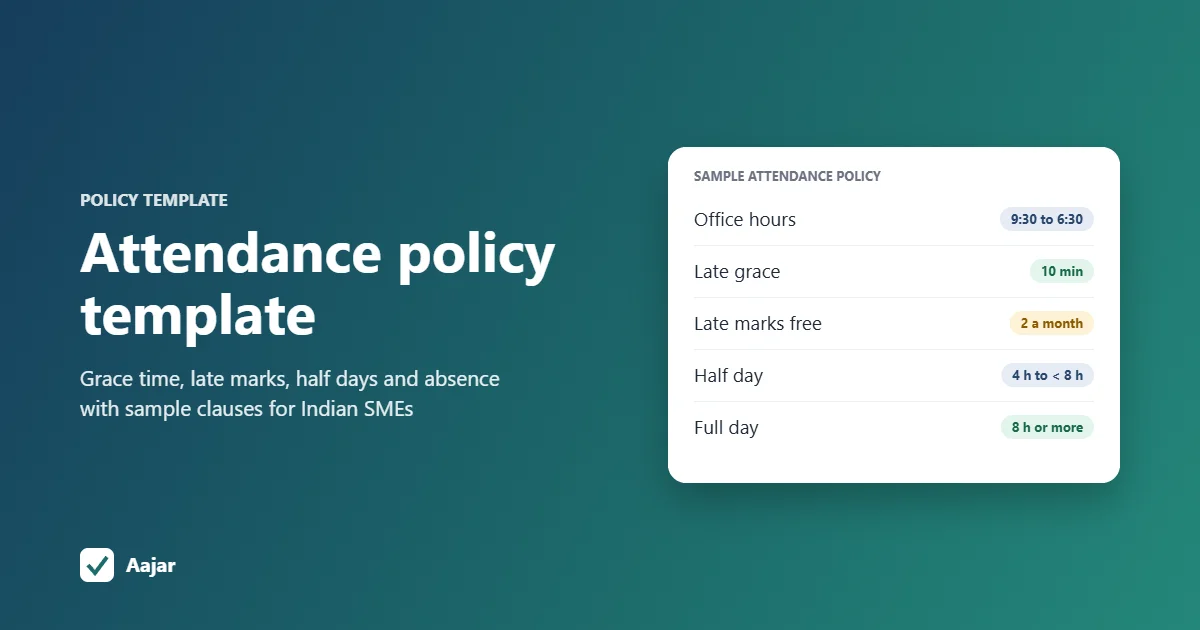
Attendance Policy Template with Late Coming Rules
A ready attendance policy template for Indian SMEs, with sample clauses for working hours, grace time, late marks, half days and absence.
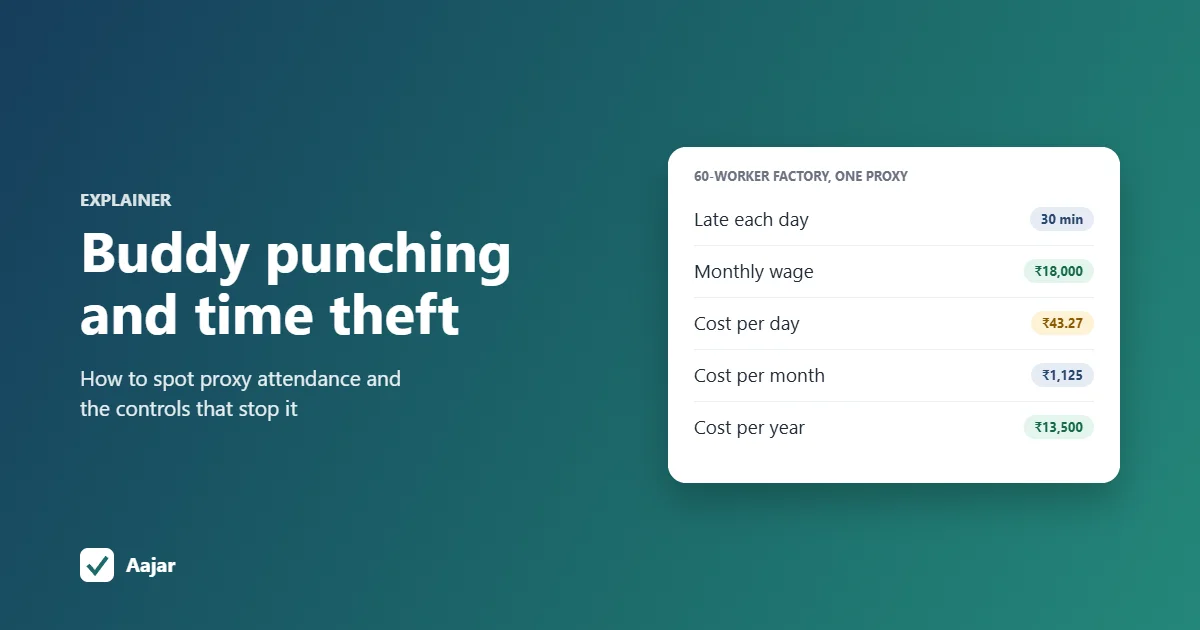
Buddy Punching and Time Theft: How to Spot and Stop Them
How proxy attendance and time theft happen, the data patterns that reveal them, what they cost a 60-worker factory, and controls that work.
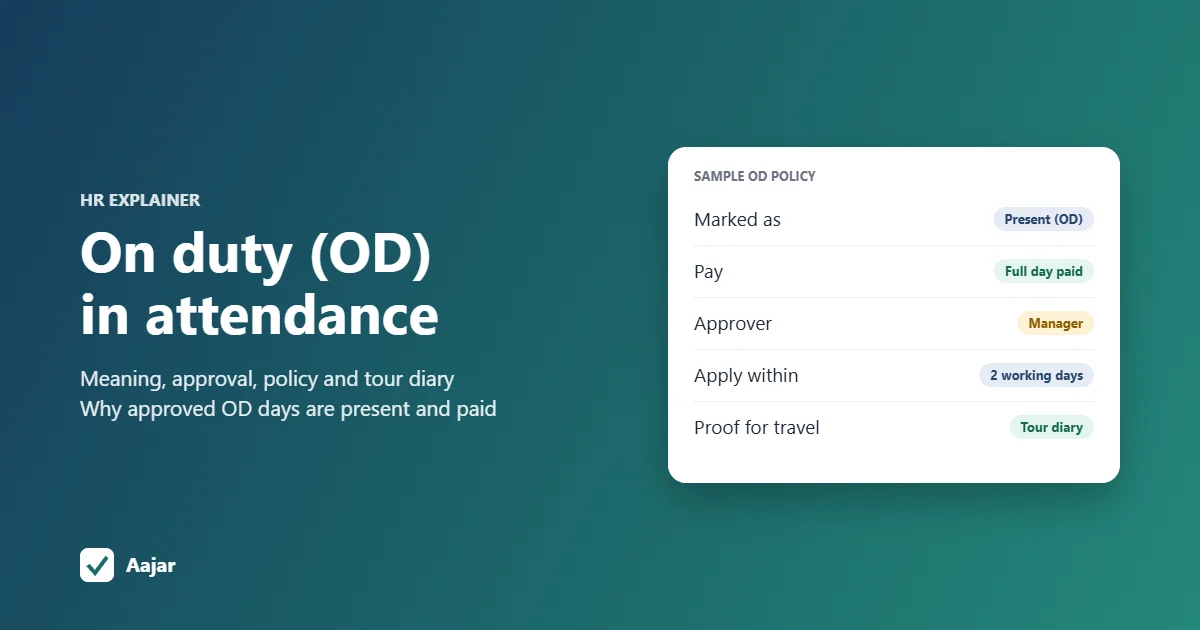
On Duty (OD): Meaning, Policy and How to Track It
What OD means in attendance, how it differs from leave and WFH, how to approve it, a sample policy and tour diary, and why OD days are paid.